VocabularBee
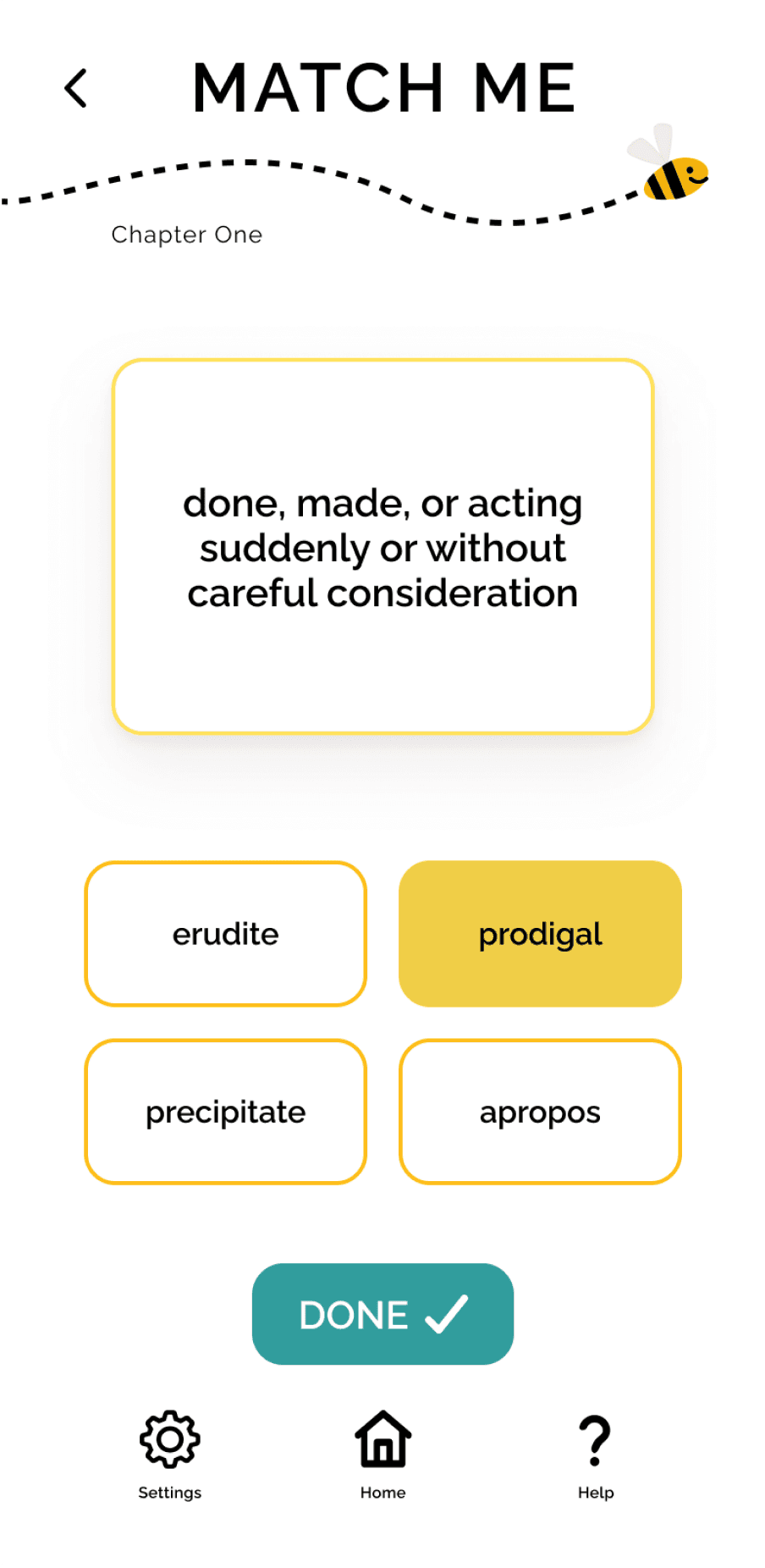
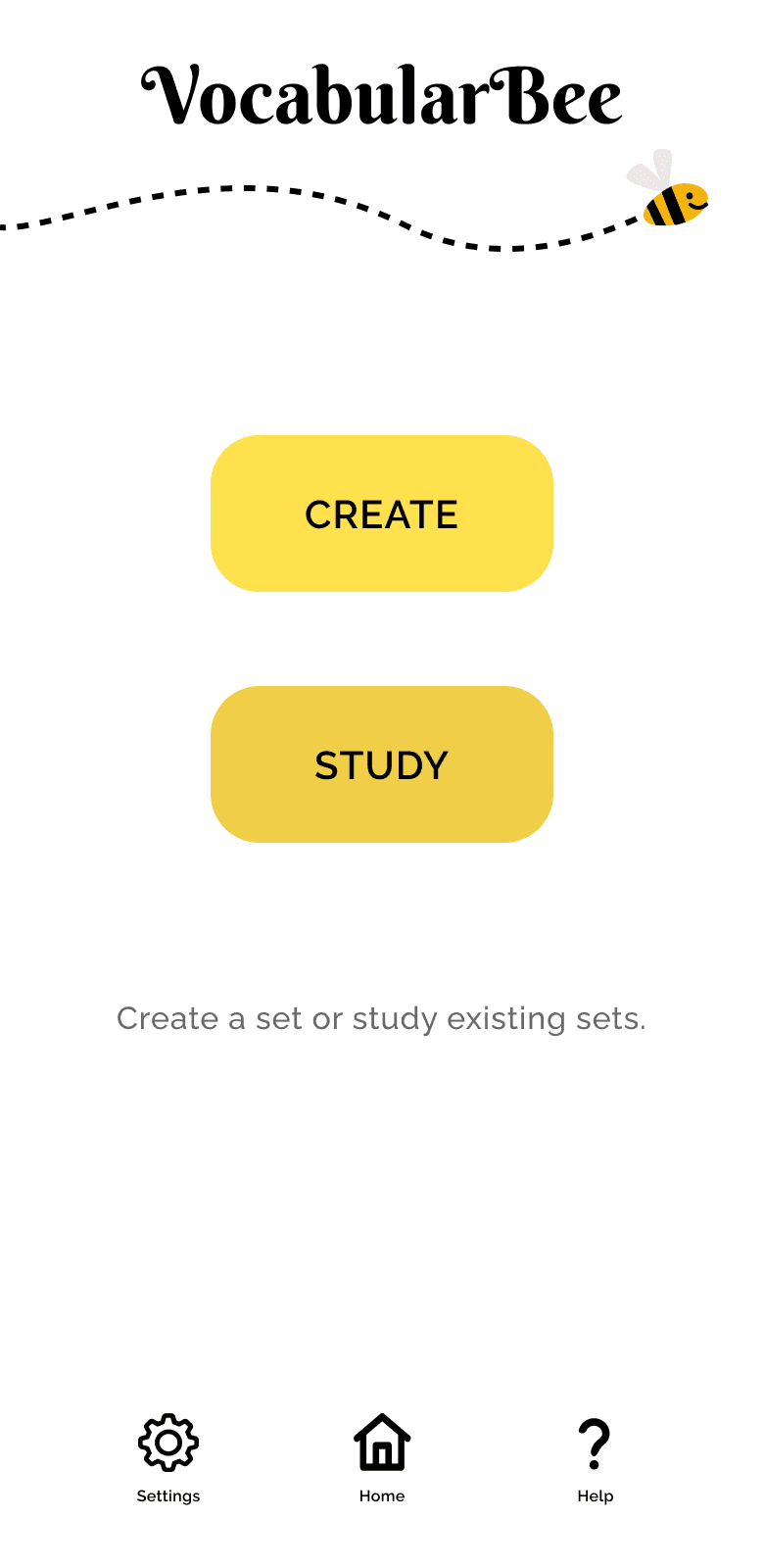
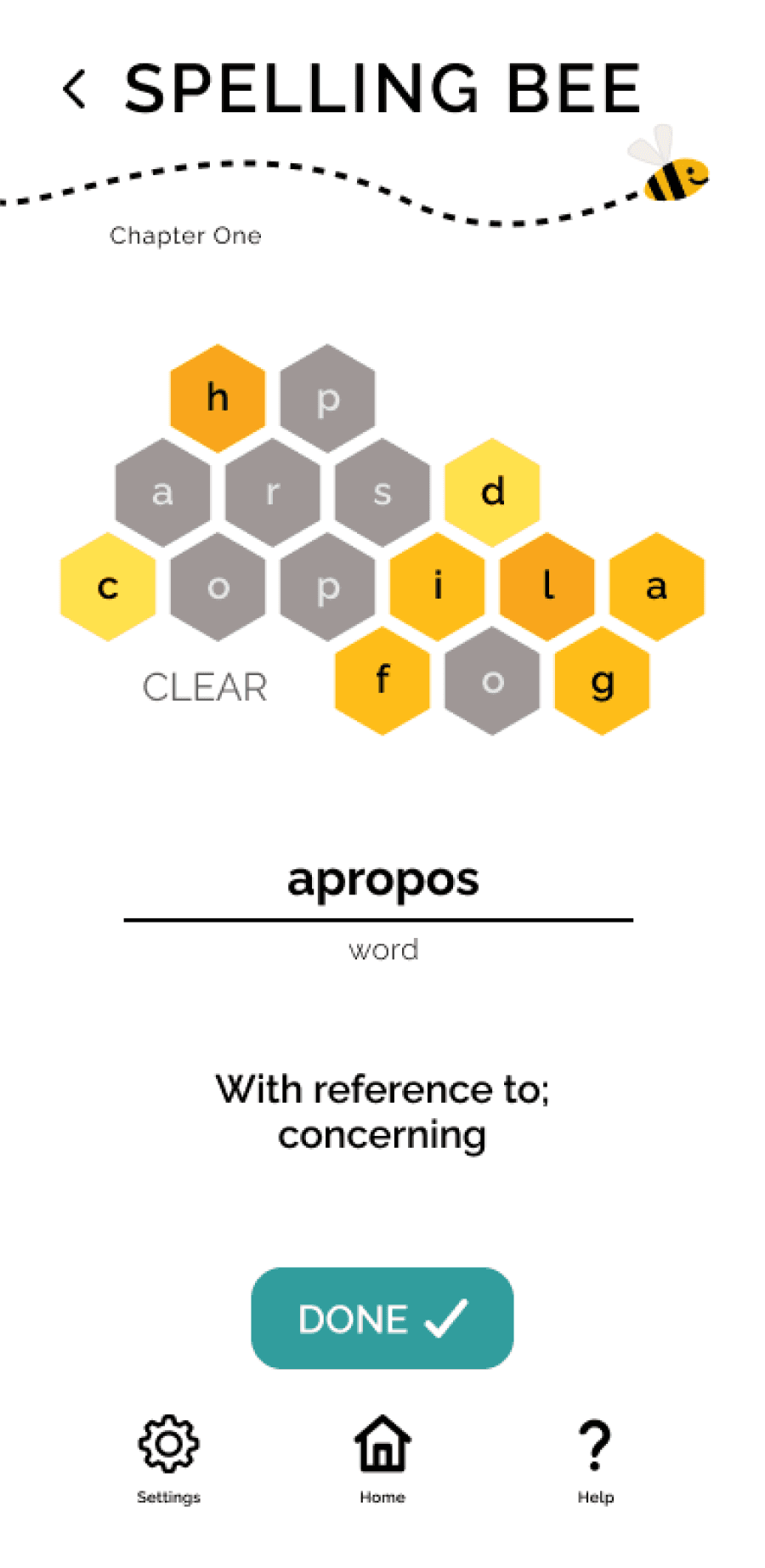
Match Me, Home, and Spelling Bee Screens
Project Overview
A colorful, gamified mobile application designed to help students and professionals learn new vocabulary.
Role: Lead UX Researcher & Designer
Duration: 1.5 months
Deliverables: research artifacts, proto-persona, mood board, wireframes, interactive prototype, style guide
Drawing on best practices in language learning, the application offers multiple practice modes and flexible study sessions, in an engaging, supportive online environment.
The Challenge
The brief required designing a vocabulary learning application that allowed users to add new words, review definitions, and study vocabulary. While the requirements established a basic framework, they did not prescribe how learning should take place within the system.
This created an opportunity to explore a larger question: what structure best supports vocabulary learning for people balancing busy schedules and varied learning preferences?
Research
To better understand how vocabulary learning tools support engagement and retention, I conducted two forms of research: competitor analysis and user interviews. Together, these methods helped identify successful design patterns, user study habits and preferences, and existing gaps in the market.
Competitor Analysis
I examined four vocabulary-learning platforms — Quizlet, StudySmarter, Brainscape, and My Word List — to understand common study mechanics, interface patterns, and opportunities for improvement.
StudySmarter
BrainScape
Quizlet
My Word List
Quizlet
StudySmarter
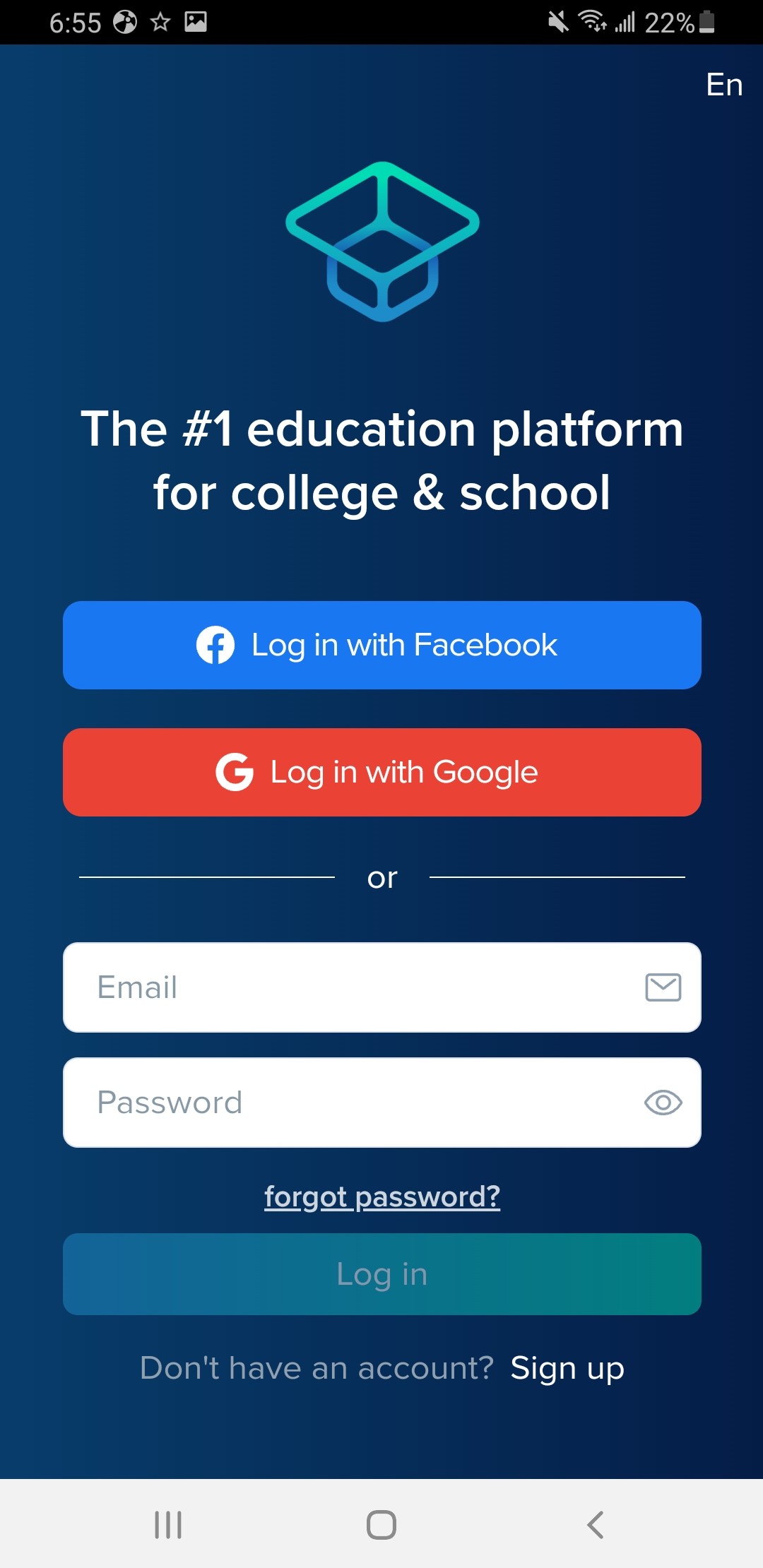
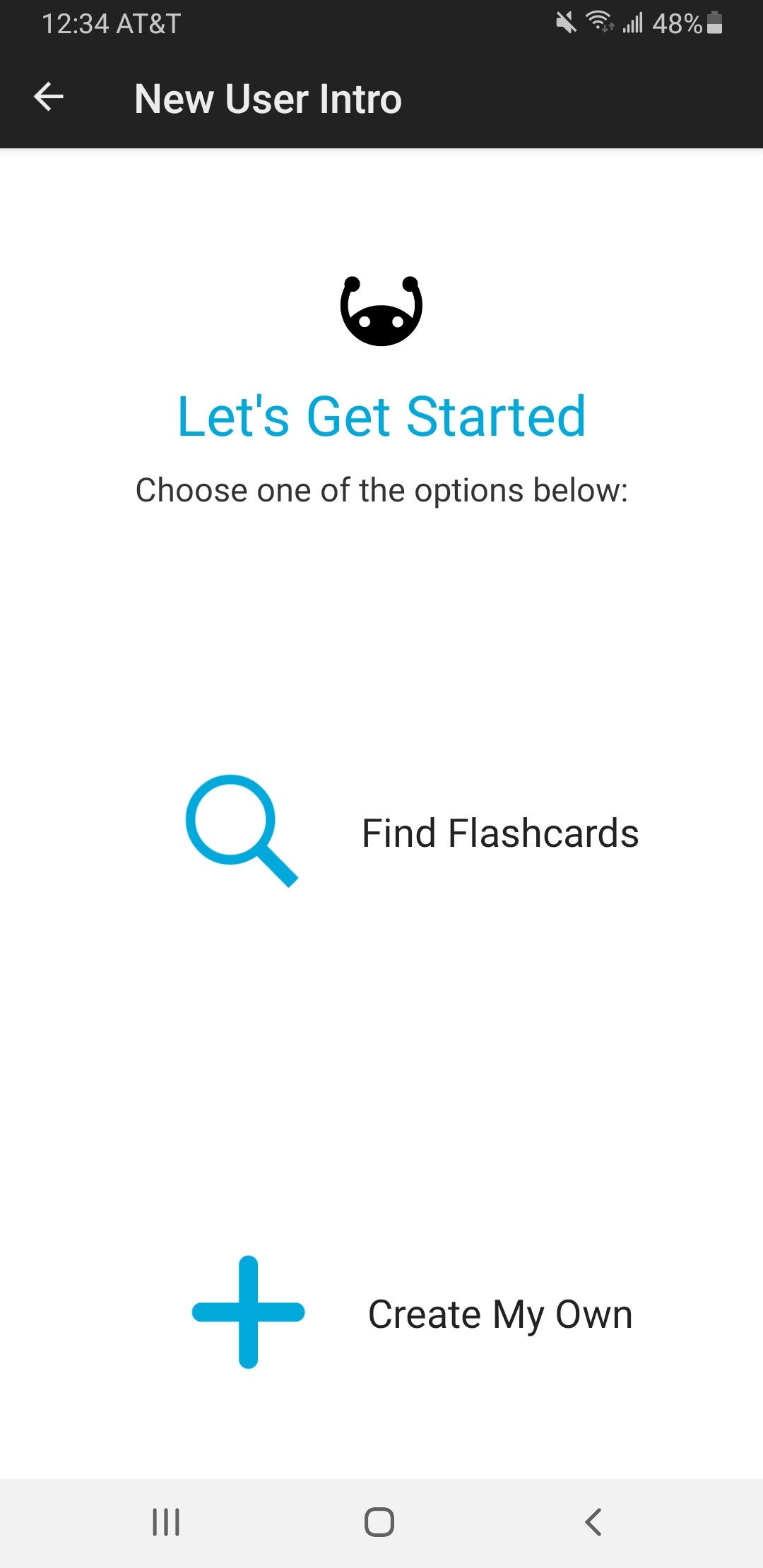
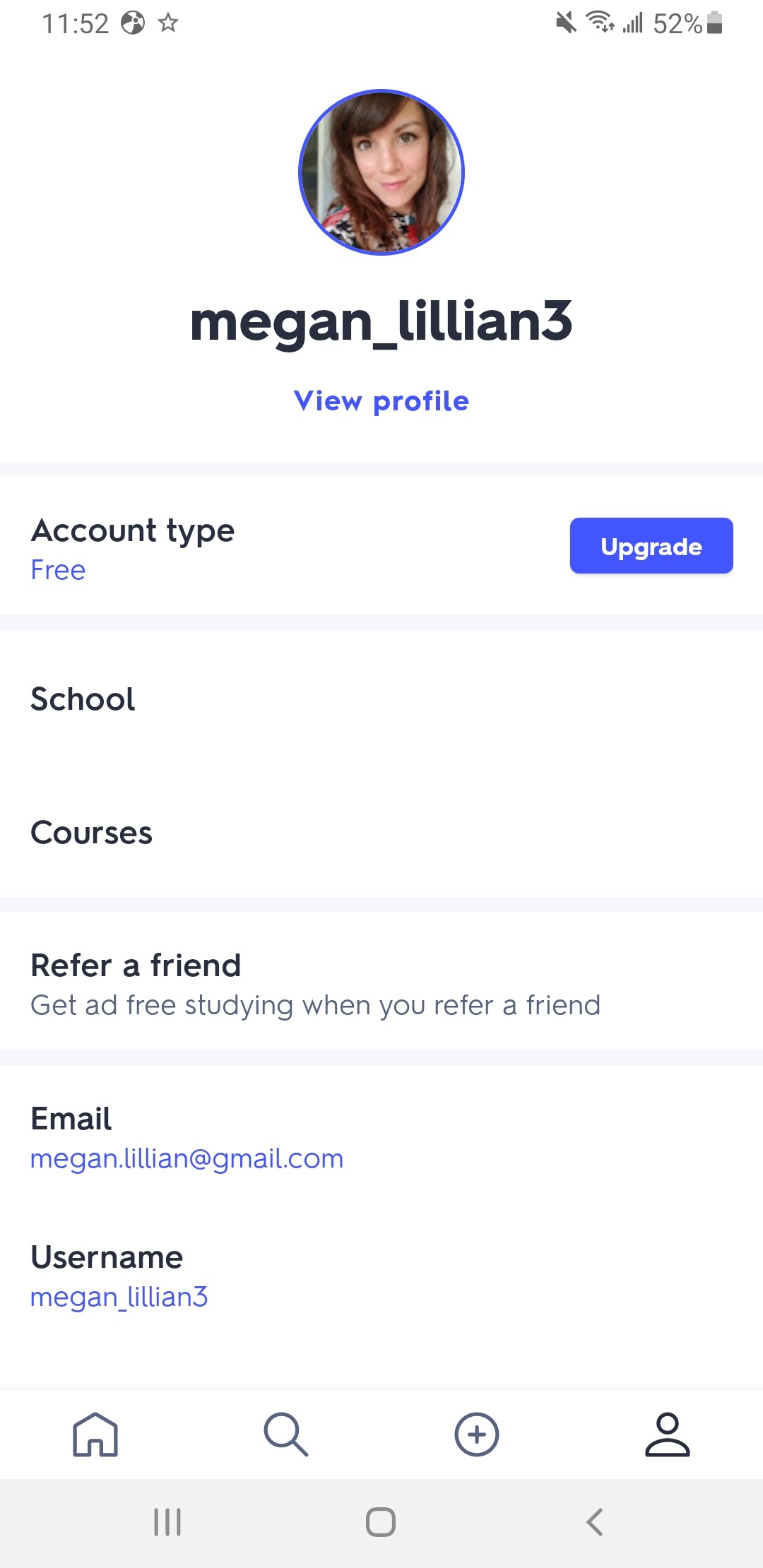
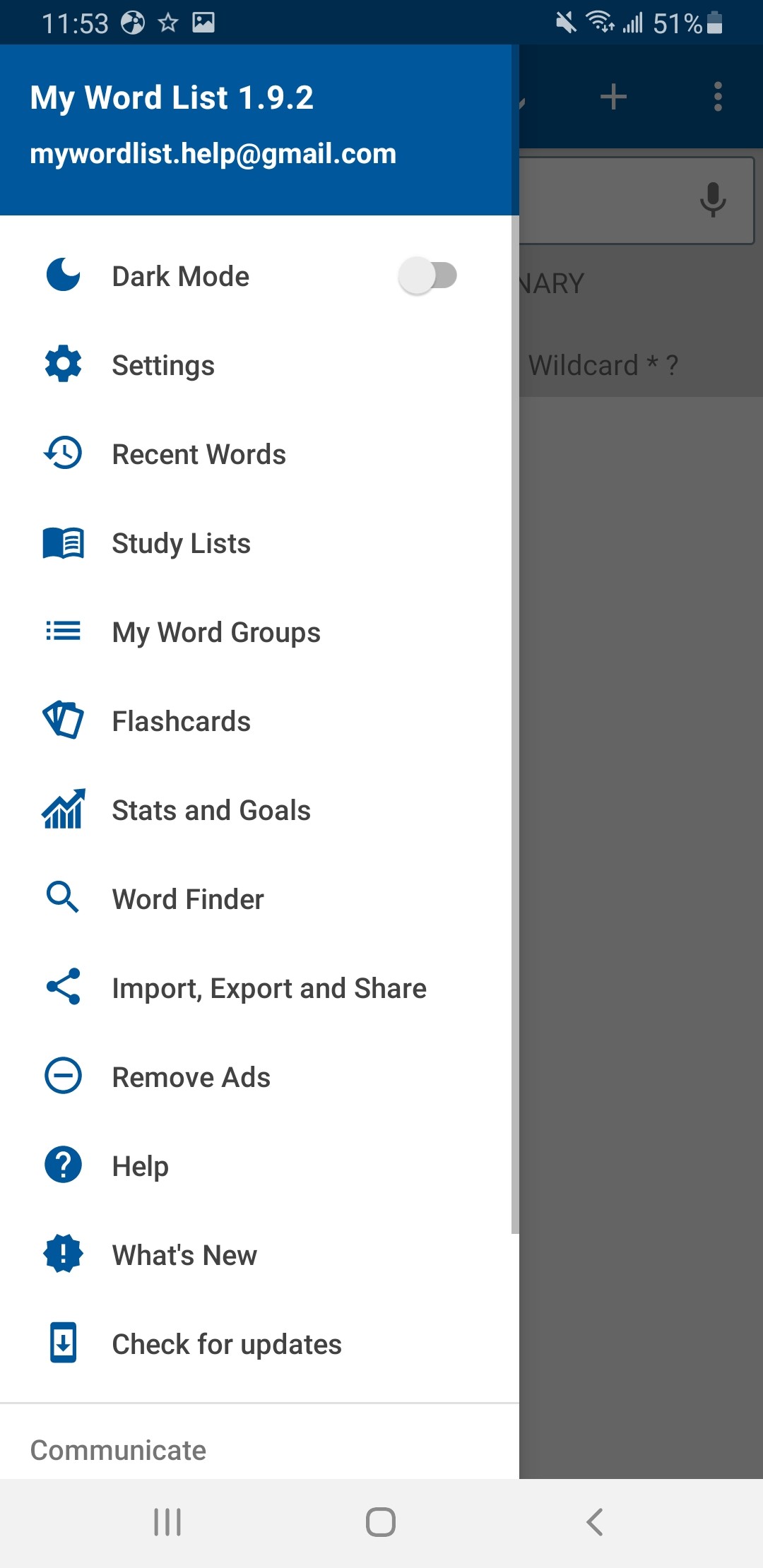
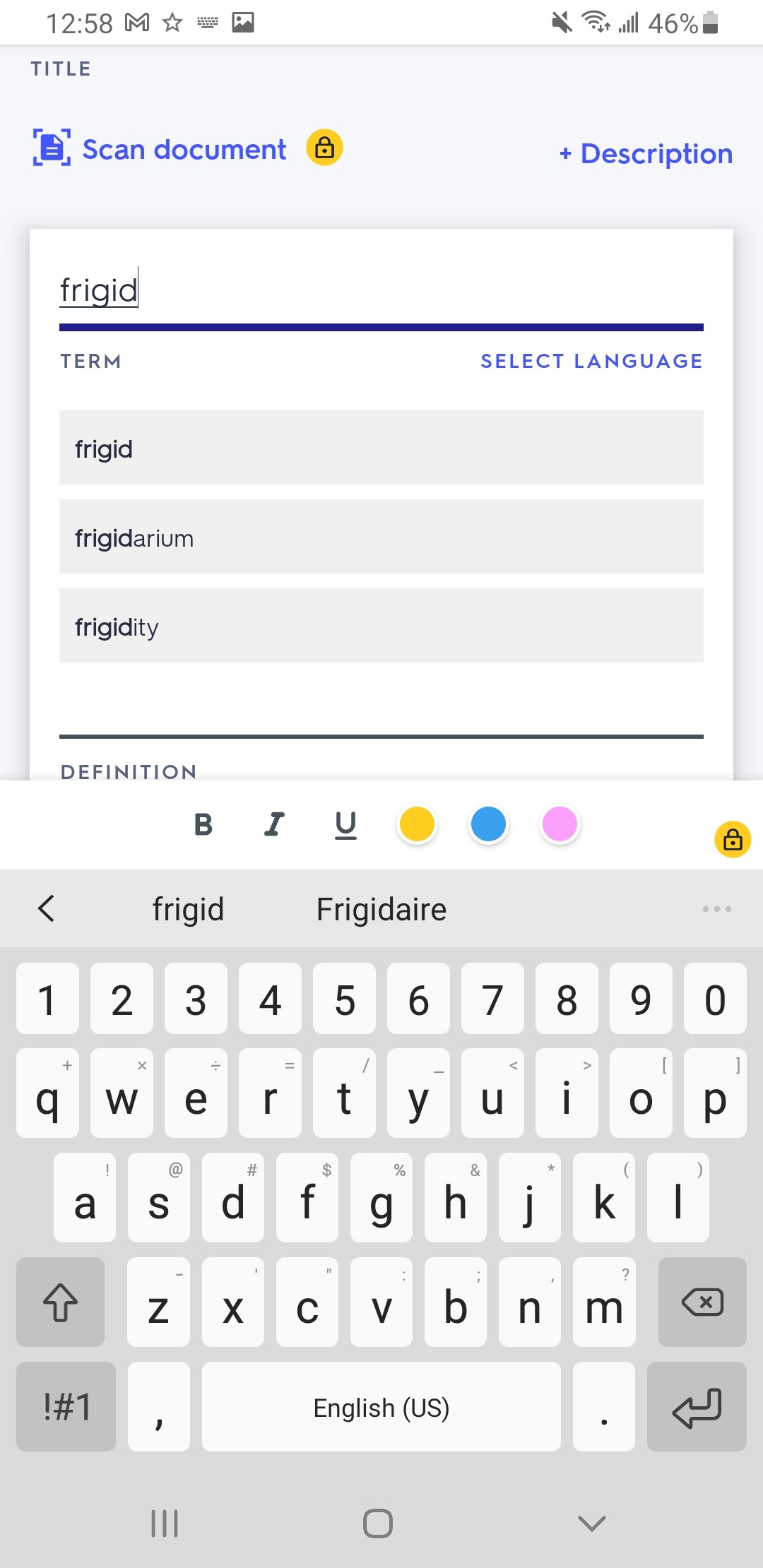
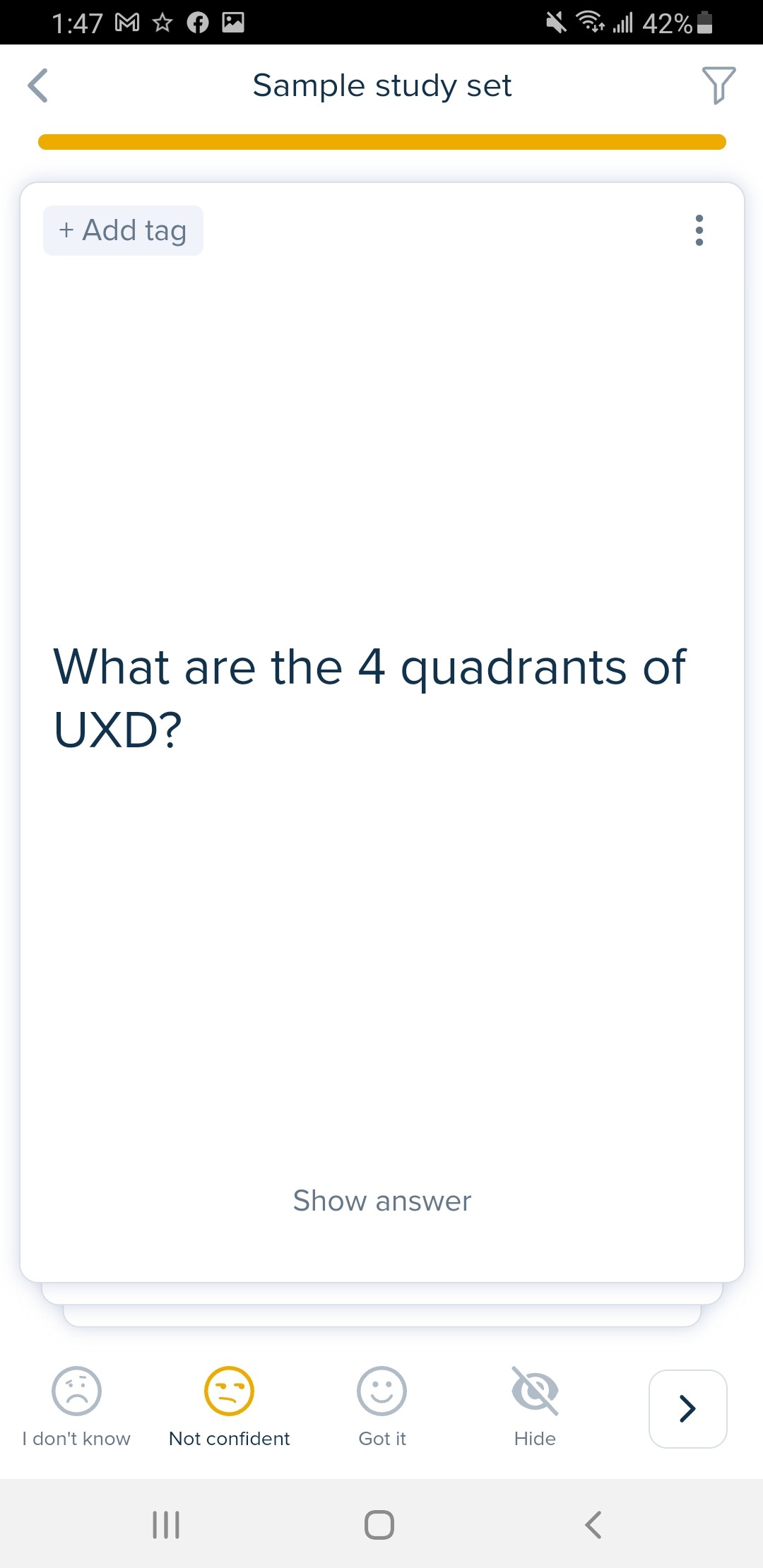
Competitor Screenshots
To compare these platforms systematically, I analyzed several core product features including onboarding, account s et up / sign in, navigation structure, and study functionality.
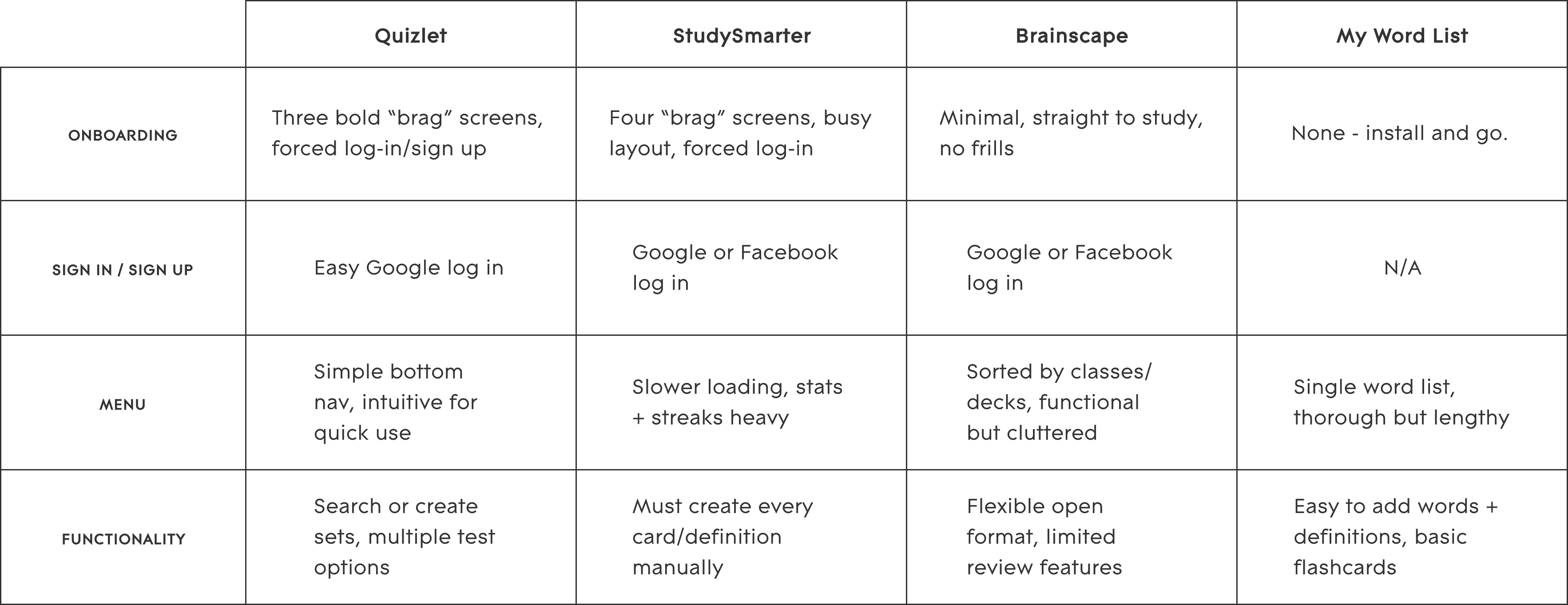
Competitor Analysis Snapshot
Key takeaways:
Clarity & Ease of Vocabulary Entry
Entering flashcard vocabulary manually can introduce spelling errors and slow down study set creation. Predictive text or structured entry tools help streamline the process.
Intuitive Onboarding & Navigation
Apps with clear onboarding flows and strong calls-to-action made it easier to quickly begin studying or creating vocabulary sets.
Engaging Visual Design
Platforms with bright colors and inviting layouts felt more motivating and approachable than dense or text-heavy interfaces.
User Interviews
I conducted eight interviews with students who regularly use vocabulary learning tools as part of coursework or professional training programs. The goal was to understand how real users study new terms, what features they rely on, and where existing tools fall short.
Several consistent themes emerged:
Short Study Sessions
Participants preferred short, focused study sessions that could fit easily into small pockets of time.
Immediate Feedback
Users found real-time feedback motivating and helpful for reinforcing learning progress.
Interactive Learning
Games and interactive study modes increased engagement and helped maintain focus during practice.
Need for Context
Participants noted that seeing vocabulary used in context improved understanding, especially when similar words could be confused.
Flexible Card Management
Users wanted the ability to repeat difficult words while setting aside terms they had already mastered.
Tutorial Fatigue
Many participants reported skipping tutorials, even when they believed the information might be useful.
These insights reinforced the importance of flexibility, motivation, and varied learning interactions. They informed a design approach that uses flashcards as a foundation while introducing additional study modes that reinforce vocabulary learning through engagement and real-time feedback.
Problem Statement
Learning new vocabulary requires both clarity and engagement. Study tools must allow learners to easily add and review new terms while also making the learning process enjoyable enough to sustain curiosity and progress.
Students and professionals need a way to learn new vocabulary that clearly supports study of new terms while making the learning experience enjoyable and flexible enough to fit into busy schedules.
Persona
To translate these insights into a clear user framework, I developed a proto-persona representing the type of learner the application is intended to support.
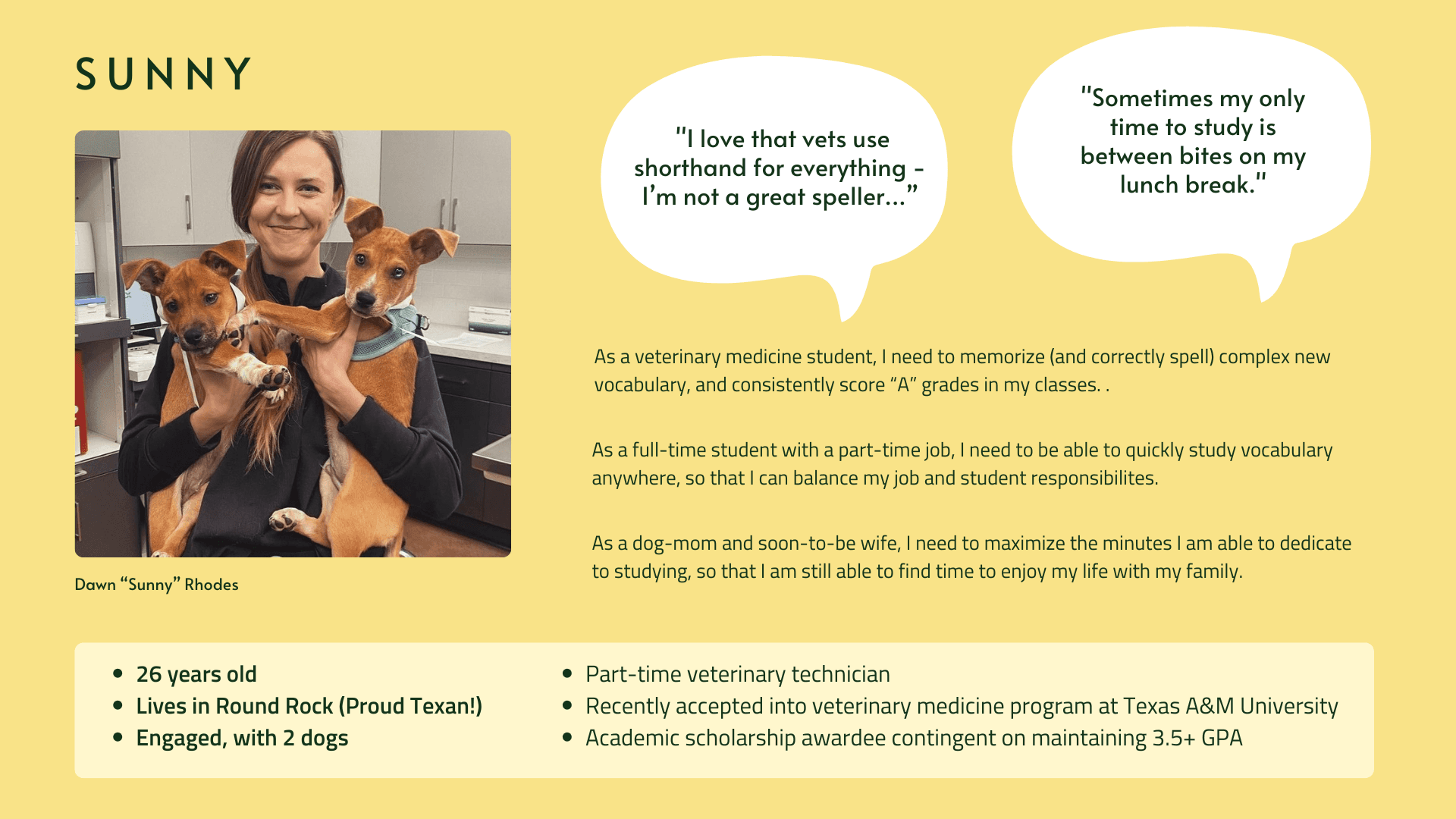
User Persona
Sunny represents a learner balancing professional responsibilities, academic goals, and personal life. Her needs and constraints informed key design decisions, such as features for spelling practice and quiz-based self-assessment.
Learning Design Principles
With the proto-persona in mind, I applied learning psychology principles to guide the system’s design. These considerations shaped how study modes functioned, how feedback was delivered, and how learners moved through the experience.
Familiar Interaction Patterns
VocabularBee reinforces familiarity by reusing key interface patterns across study modes. Shared structures reduce cognitive load so learners can focus on recalling vocabulary rather than learning new interaction mechanics.
Progressive Study Modes
Each study mode reinforces vocabulary study and learning through a different cognitive action — recognition, association, recall, and production — allowing learners to practice the same content in progressively more challenging ways.
Learner-Controlled Experience
The app prioritizes customization and learner agency in several ways. From how incorrect answers are handled to how study sessions and quiz feedback are structured, VocabularBee supports different learning styles while encouraging user success.
Intrinsic Motivation Philosophy
System copy and mascot feedback are designed to celebrate effort rather than measure performance. By avoiding competitive metrics and social comparisons — and positioning the mascot as a supportive study companion — VocabularBee reinforces intrinsic motivation.
User Flows
Mapping key user flows helped visualize how Sunny would move through various study experiences. This process clarified entry points, decision paths, and the essential features needed to support vocabulary learning.
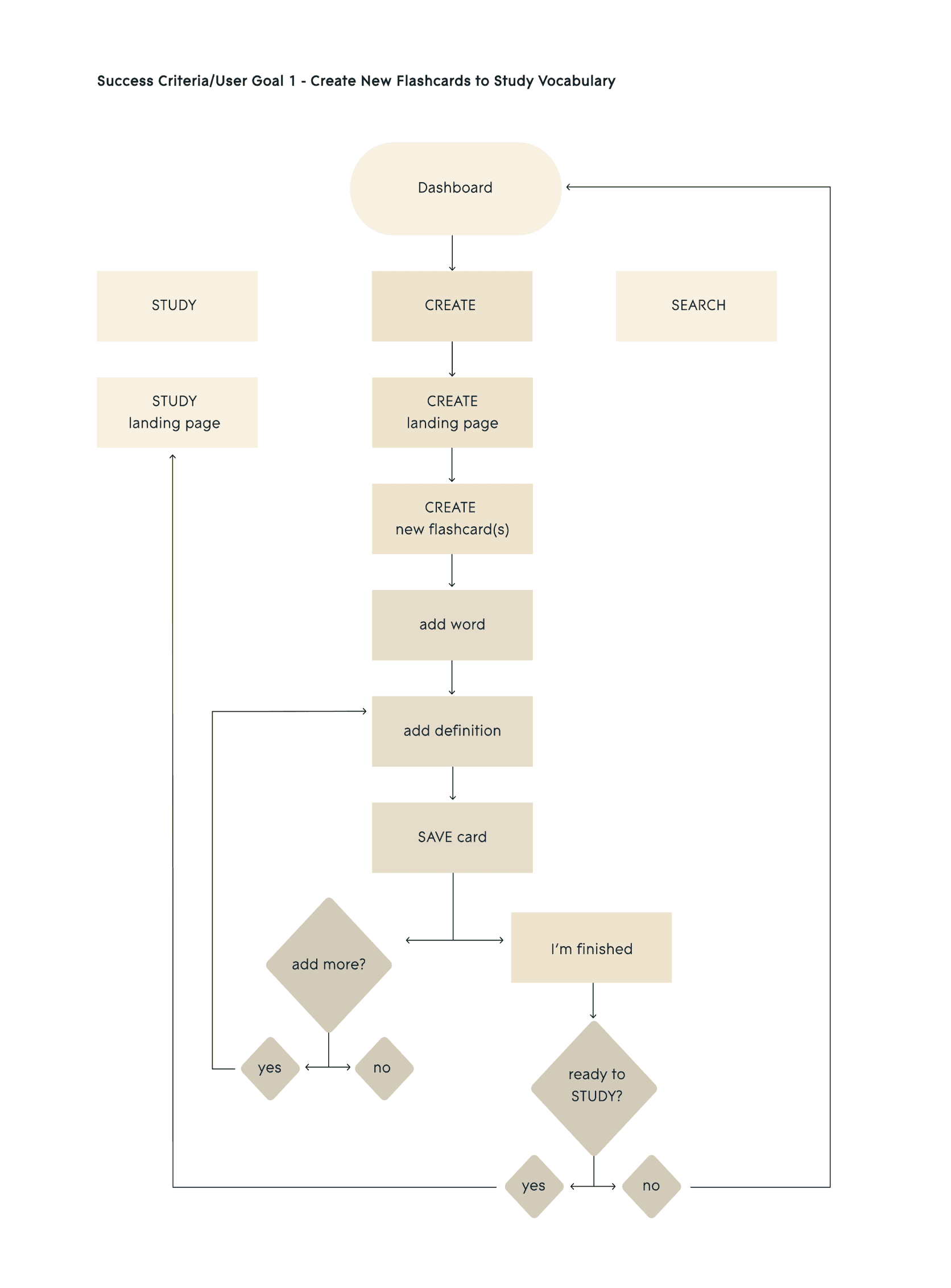
User Flow Diagram
Paper Prototype & User Testing
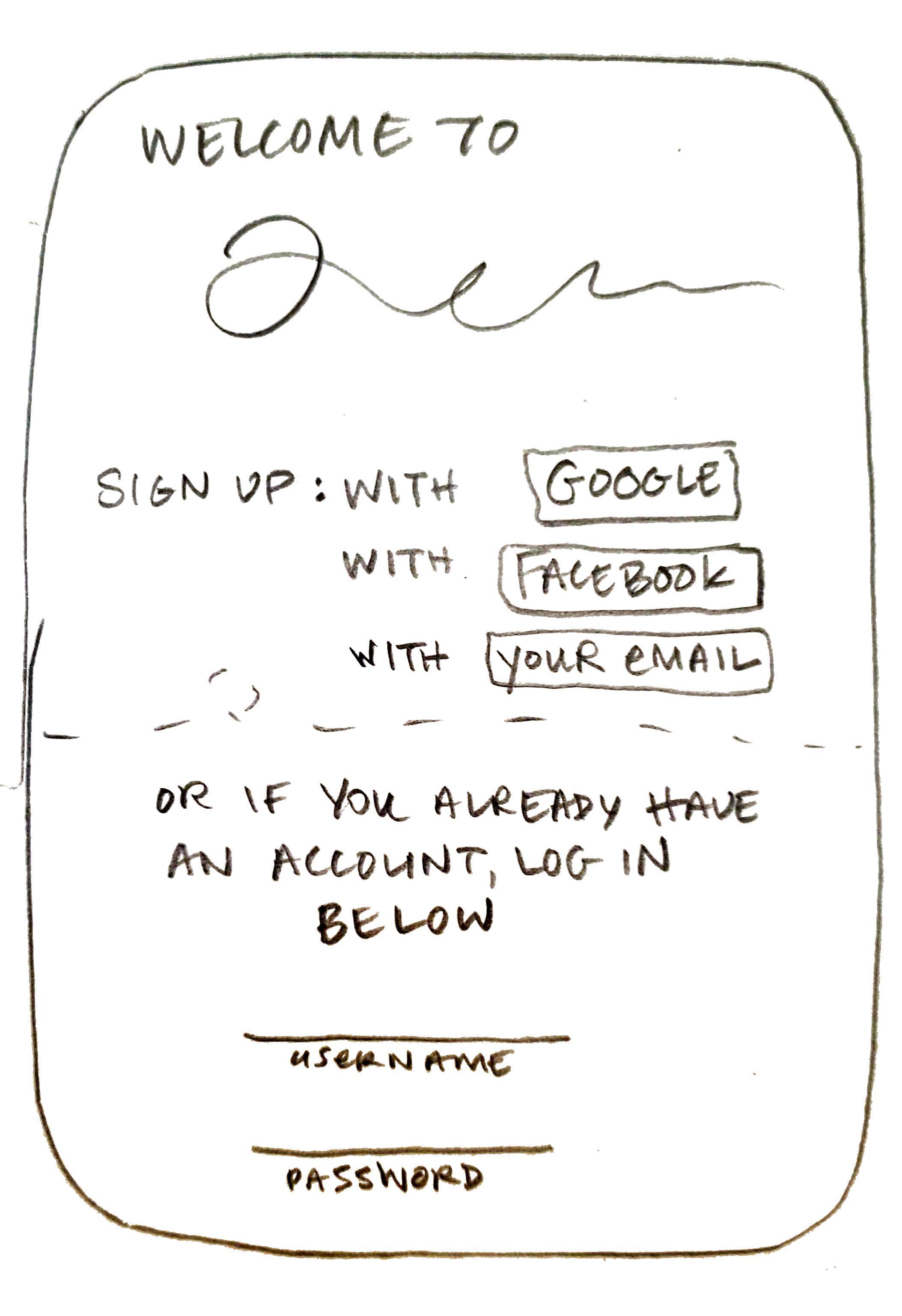
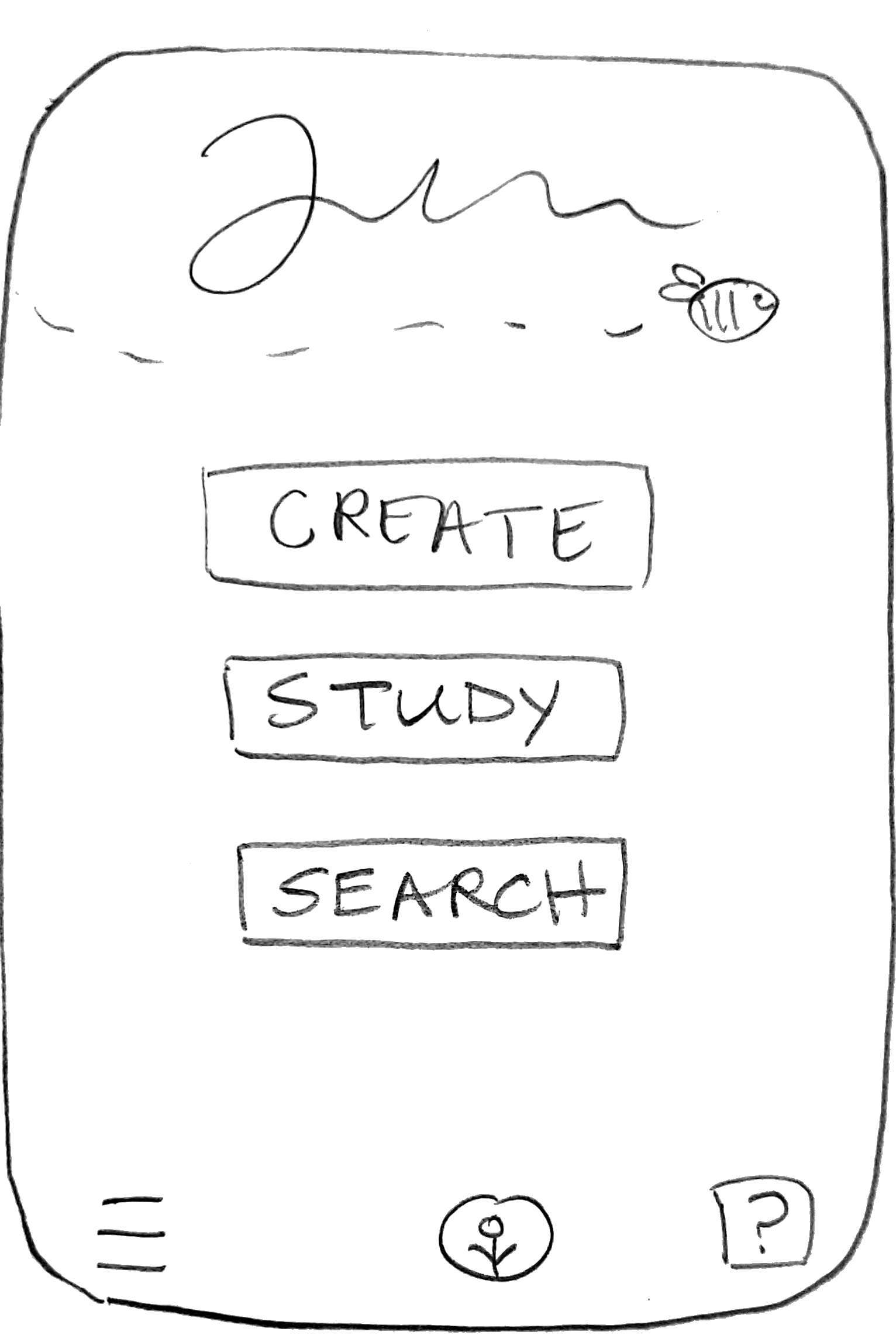
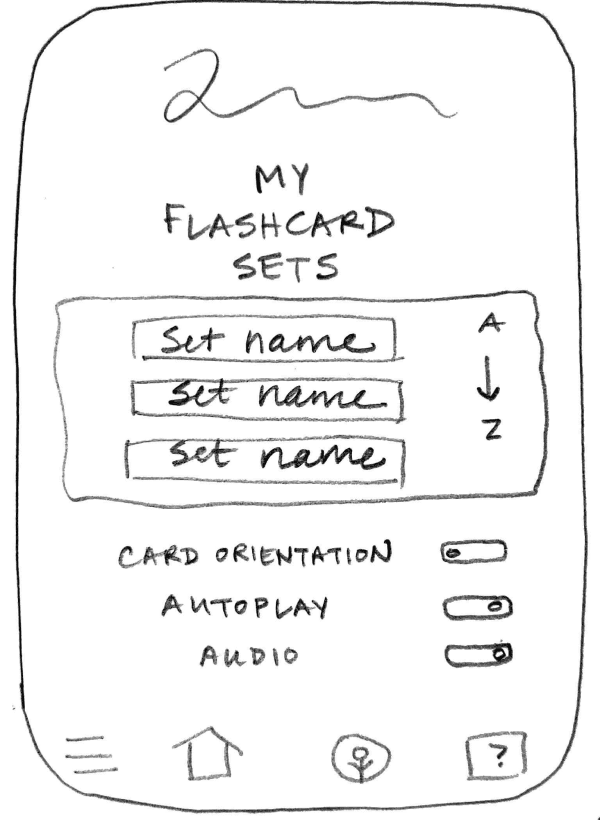
To validate the study flows and navigation structure, I created a paper prototype and conducted six moderated usability sessions using Marvel to simulate interactions.
Paper Wireframes
Usability Testing Insights
Testing highlighted the importance of clear entry points, lightweight guidance for new users, and organizing vocabulary sets before adding individuals terms. These insights informed the final navigation structure and contextual help patterns used throughout the interface.
Design Solutions
With the learning system and interaction patterns defined, I translated these ideas into a visual interface designed to balance clarity with playful engagement.
Mood Board
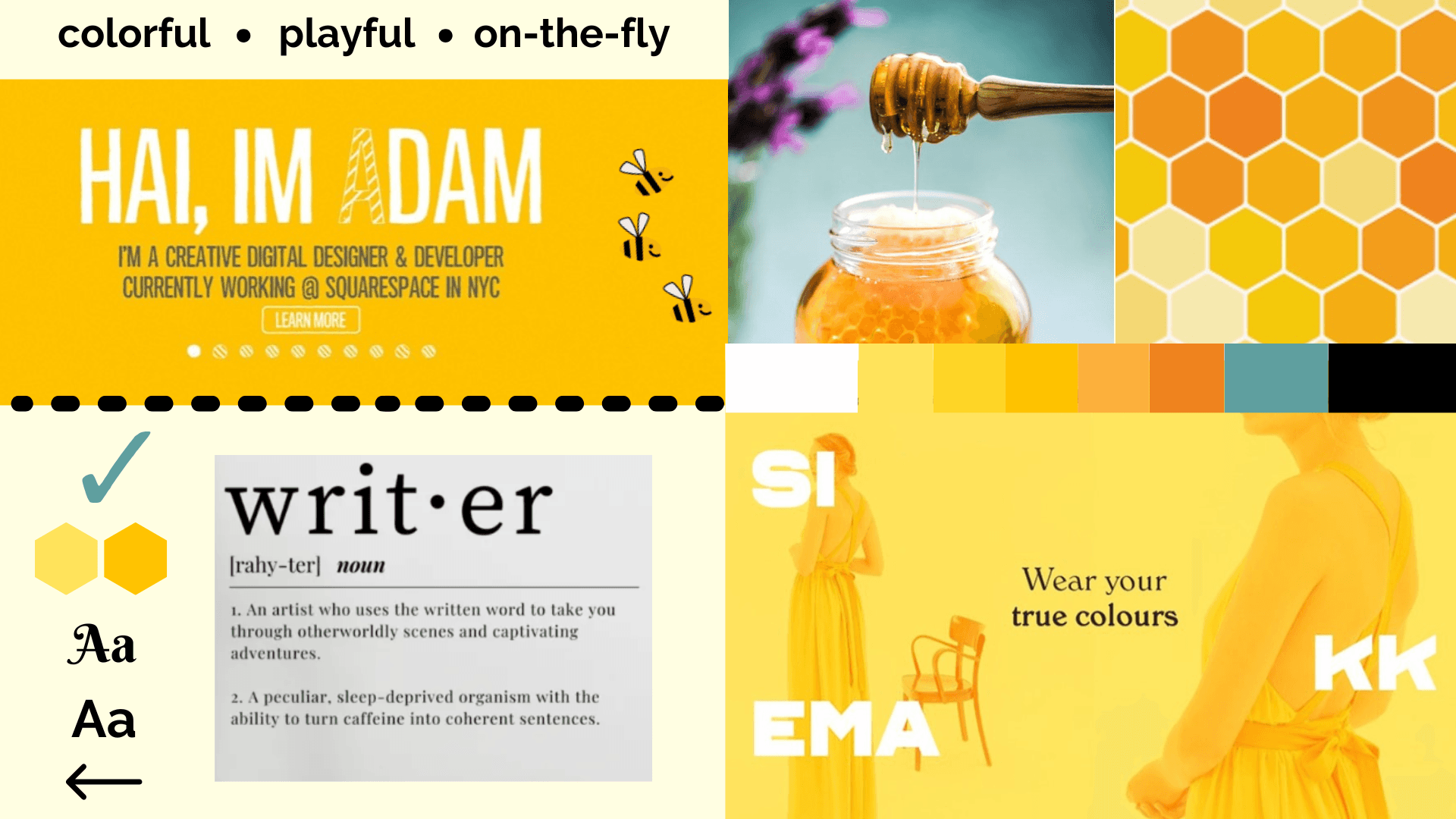
To define the visual tone of the application, I explored color, typography and interface style through a mood board.
Mood Board
Visual Direction
Three central themes informed the interface design:
Color & Visual Energy
Bright yellows and honey tones were introduced to create a warm, motivating learning environment. These energetic colors are balanced with clean black and white content areas to maintain clarity and support focused vocabulary study.
Dictionary-Inspired Typography
Typography draws inspiration from traditional dictionary layouts, reinforcing the educational focus of the product and maintaining strong contrast and readability for study content.
Mascot as Study Companion
The bee mascot functions as a supportive study companion rather than an instructor. It appears consistently throughout the interface, offering encouragement during learning activities and celebrating completion moments through subtle animations.
Design System
These visual decisions were formalized into a style guide defining typography, color usage, and reusable components. Establishing these rules ensured consistency across the interface.
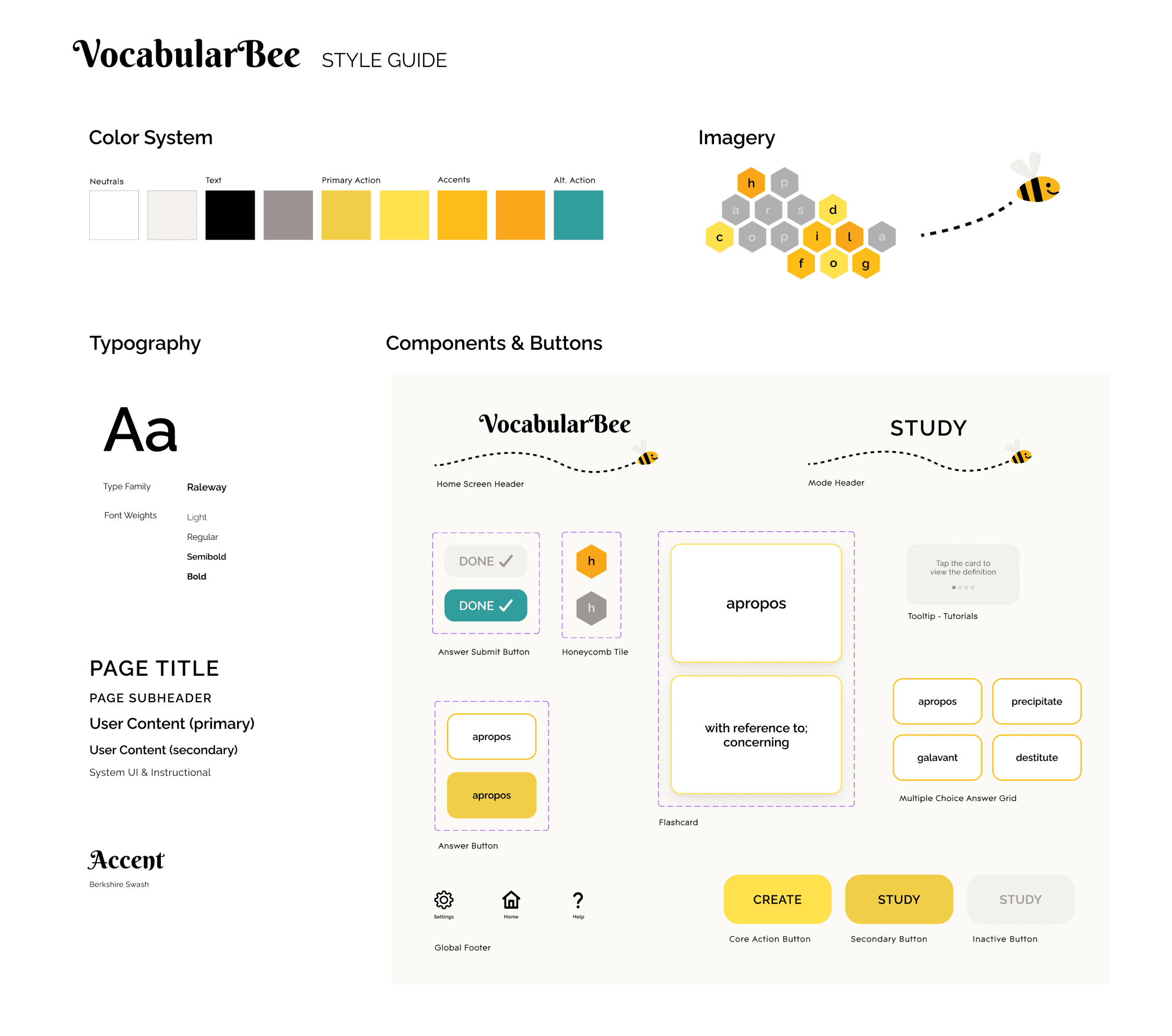
Style Guide
Final Designs
The final product is a vocabulary application that is both engaging and effective. Bright colors and supportive messaging create an inviting experience, and multiple features with short, flexible study options accommodate different learning styles.
High-fidelity mockups and an interactive prototype demonstrate the application’s core features and study flows.
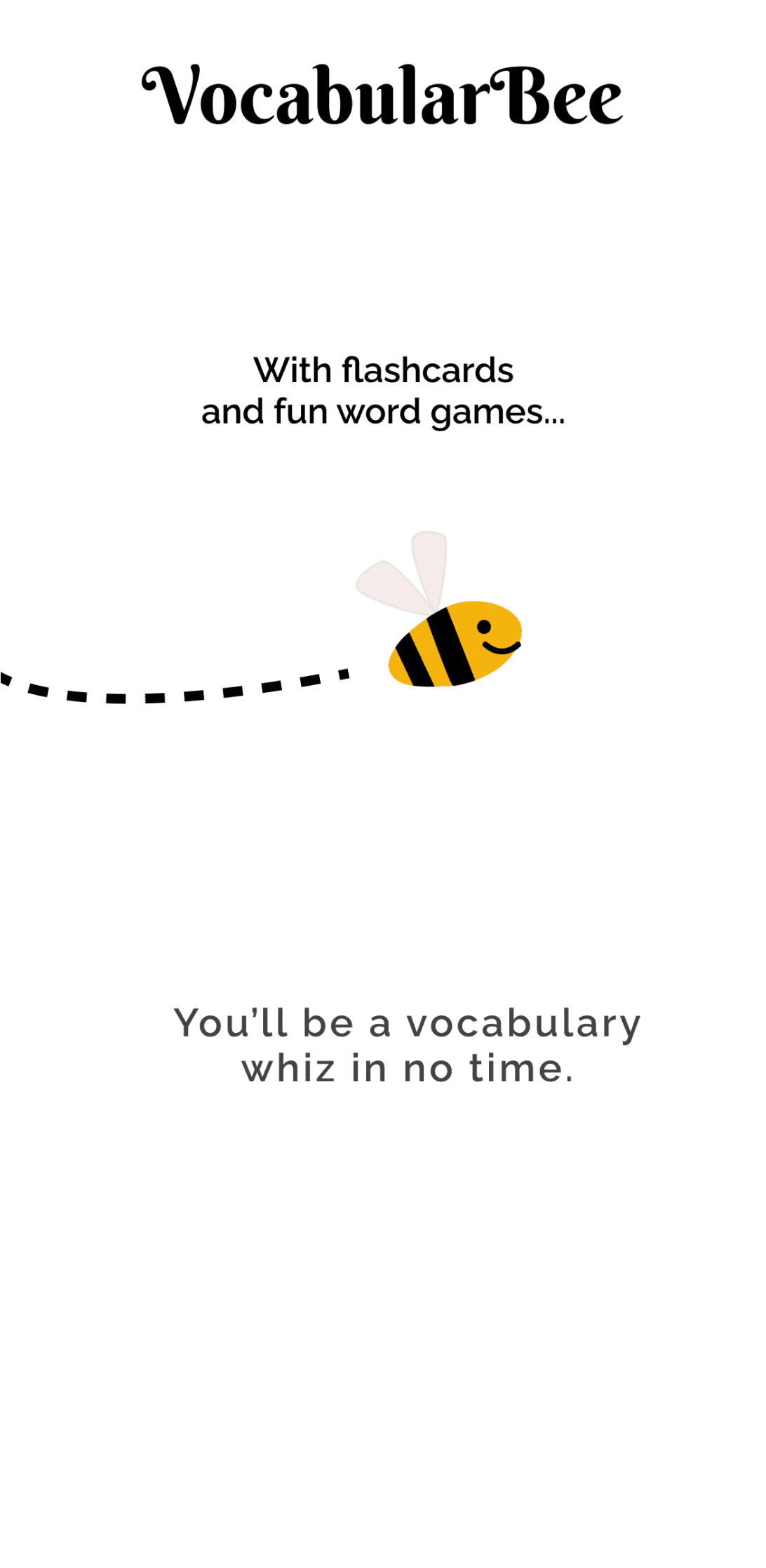
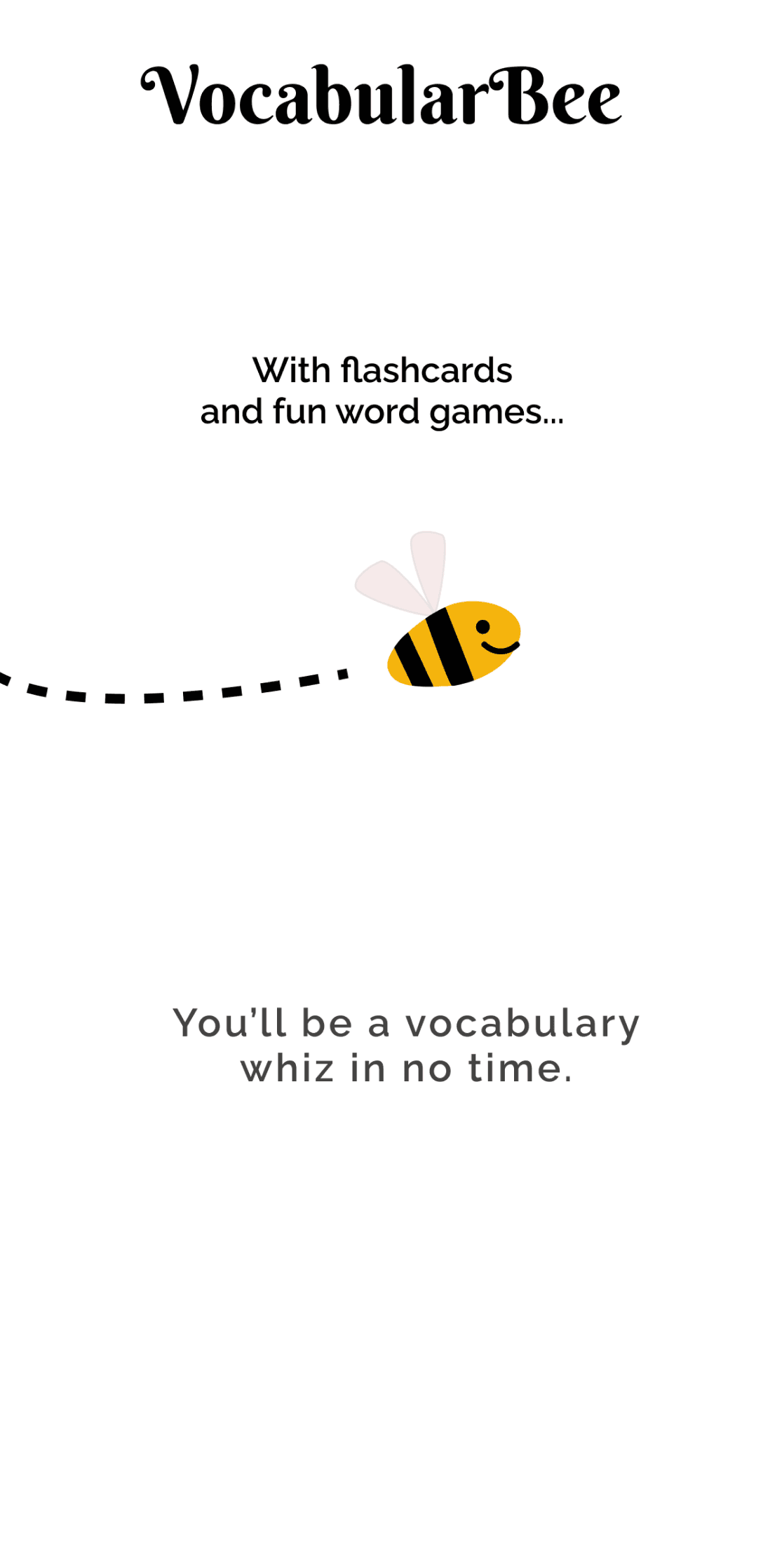
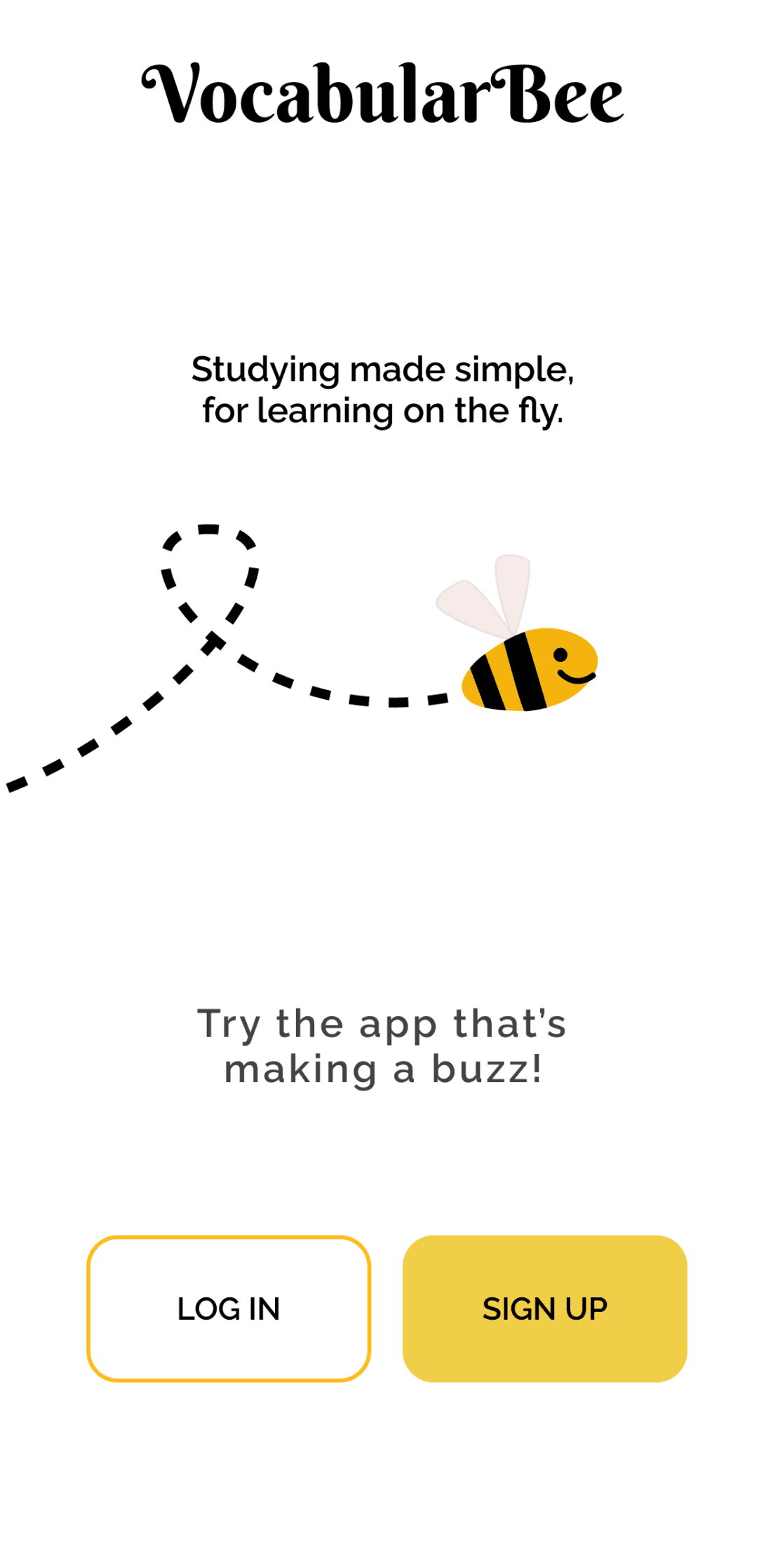
Introduction Screen Flow
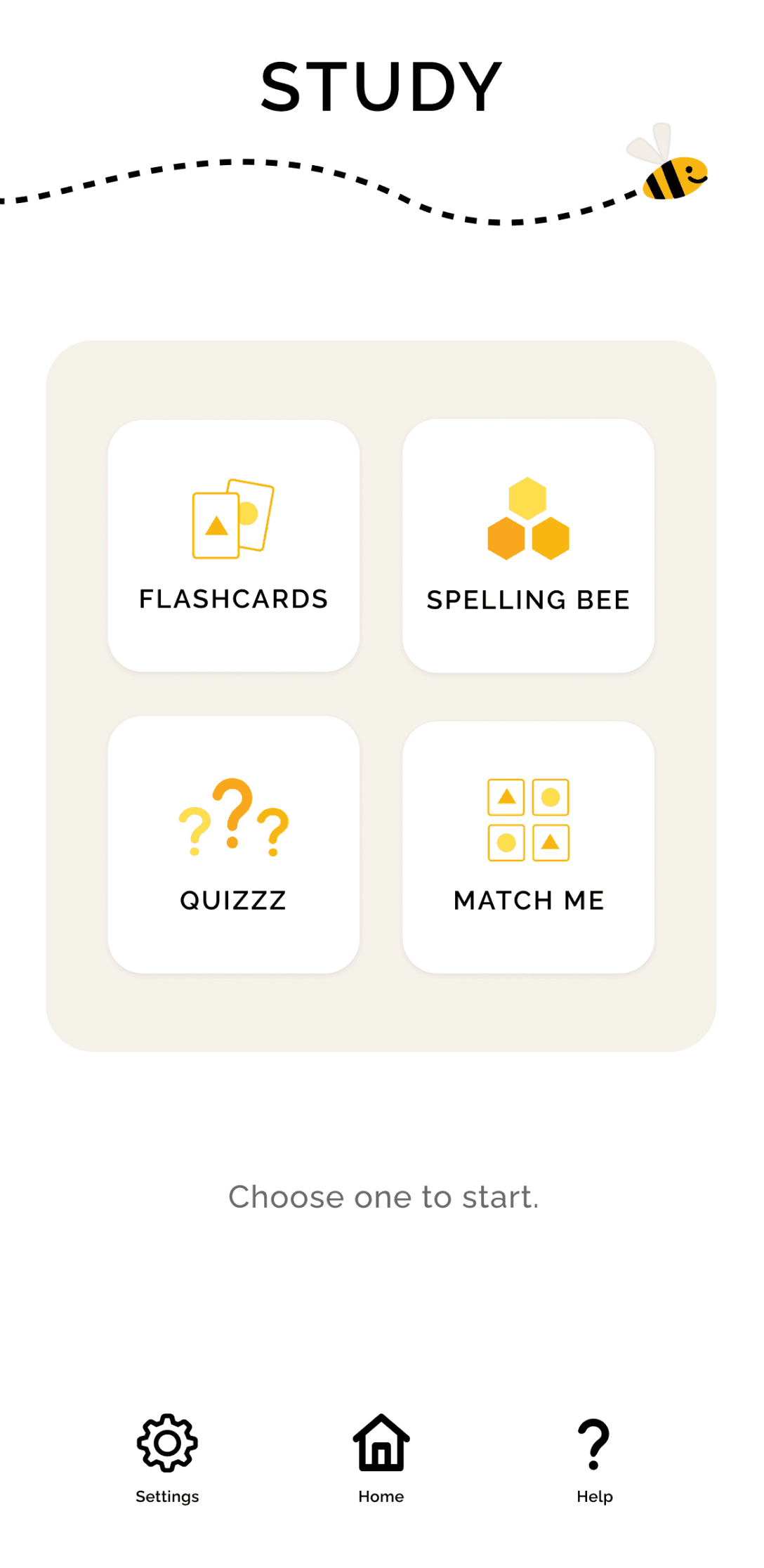
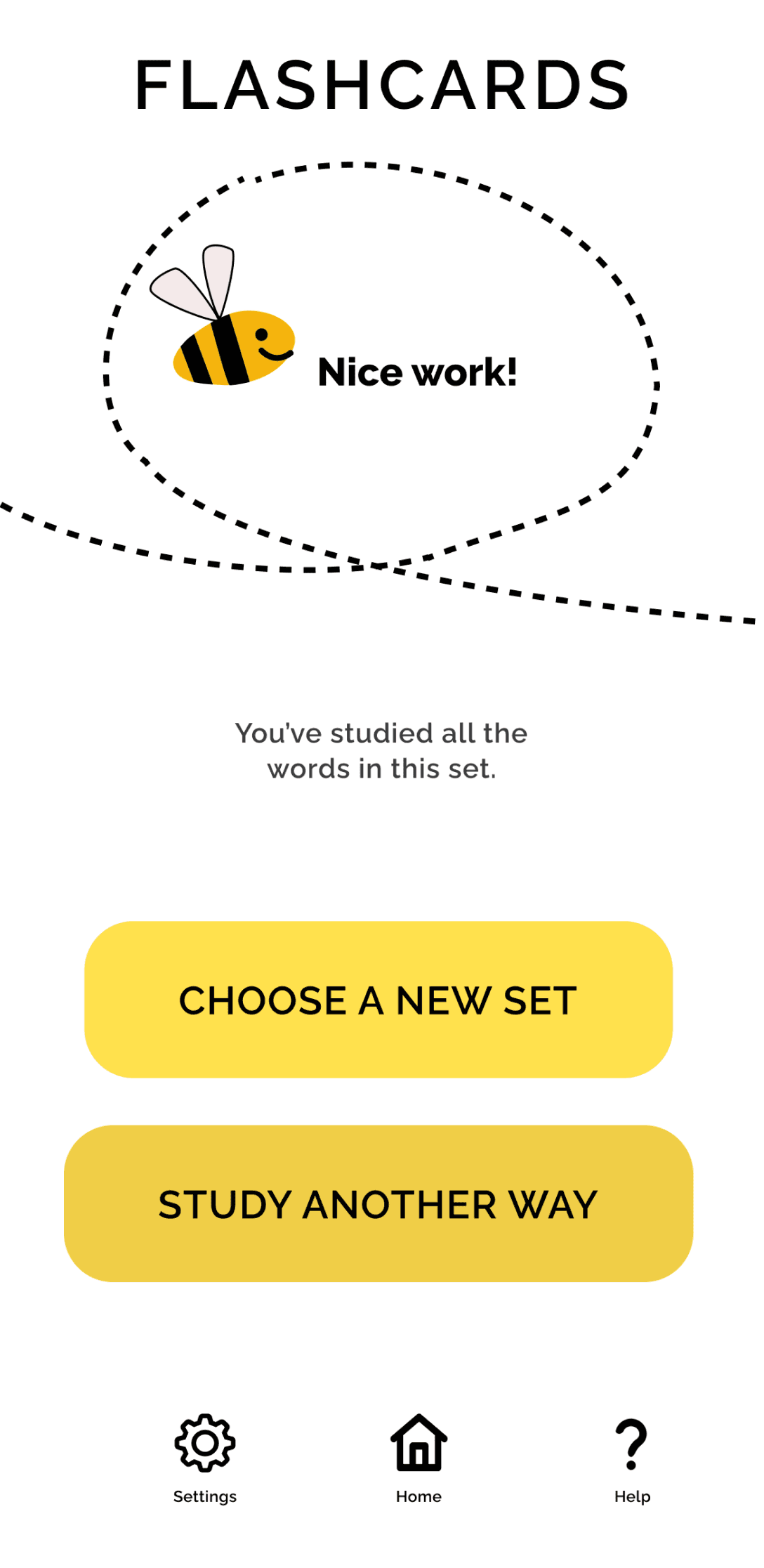
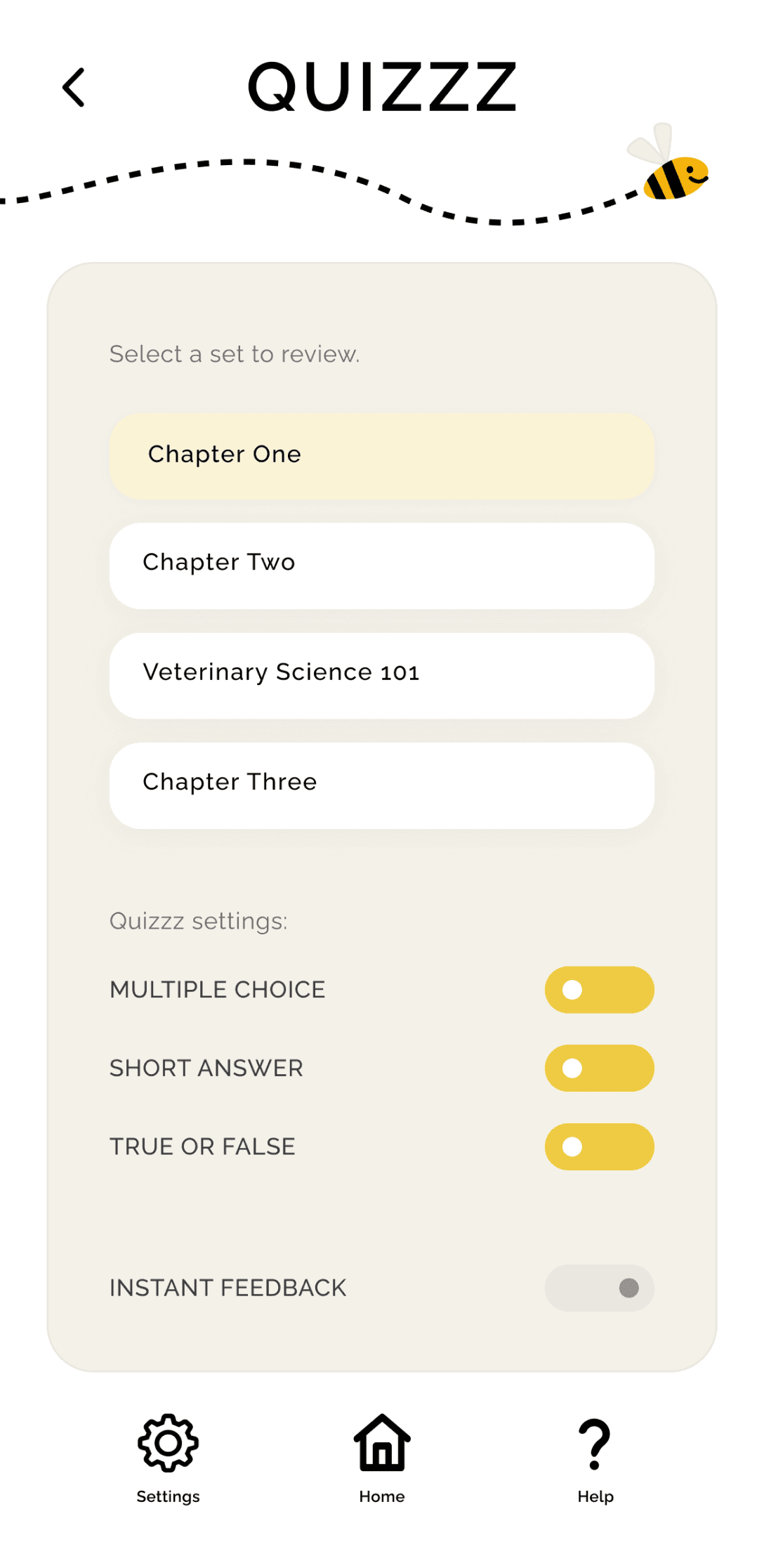
Study Landing Page, Flashcards Success Screen, Quizzz Landing Page Wireframes
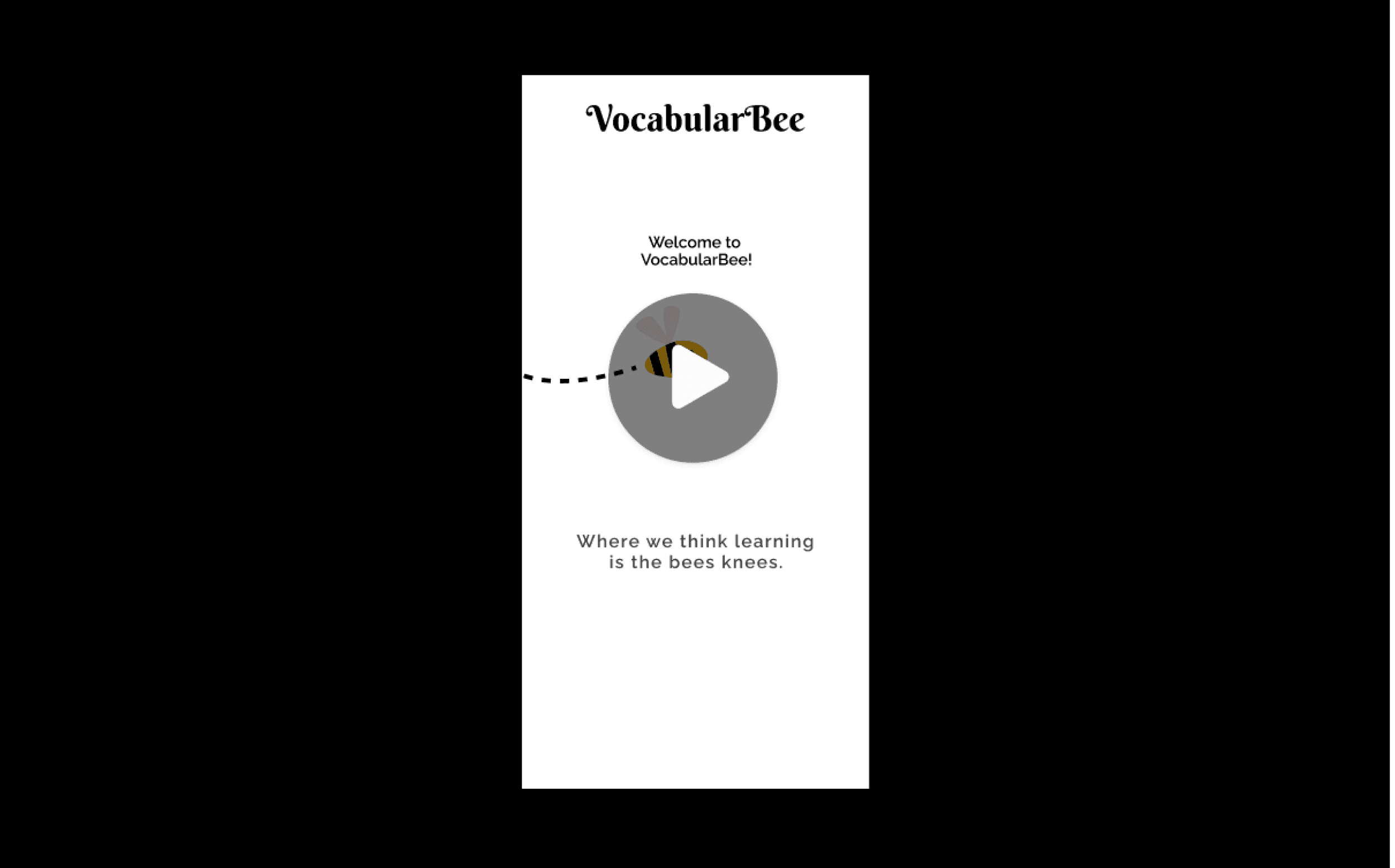
“Golden Path” Video Walkthrough
Reflection
A guiding question in my design work is: What best accomplishes the goal? Throughout the VocabularBee project, this question became a practical lens for evaluating decisions across both product structure and interface design.
Early in the process, this question encouraged me to evaluate whether a simple flashcard feature could be improved by the addition of multiple study modes. As the design evolved, the same question guided decisions about navigation, feedback patterns, interaction design, and visual presentation. This project reinforced how closely system design and interface design work together in support of a product.
For me, thoughtful design requires considering how each decision supports both product objectives and user needs. The goal has been accomplished when structure, interaction, and user impact are aligned.
VocabularBee
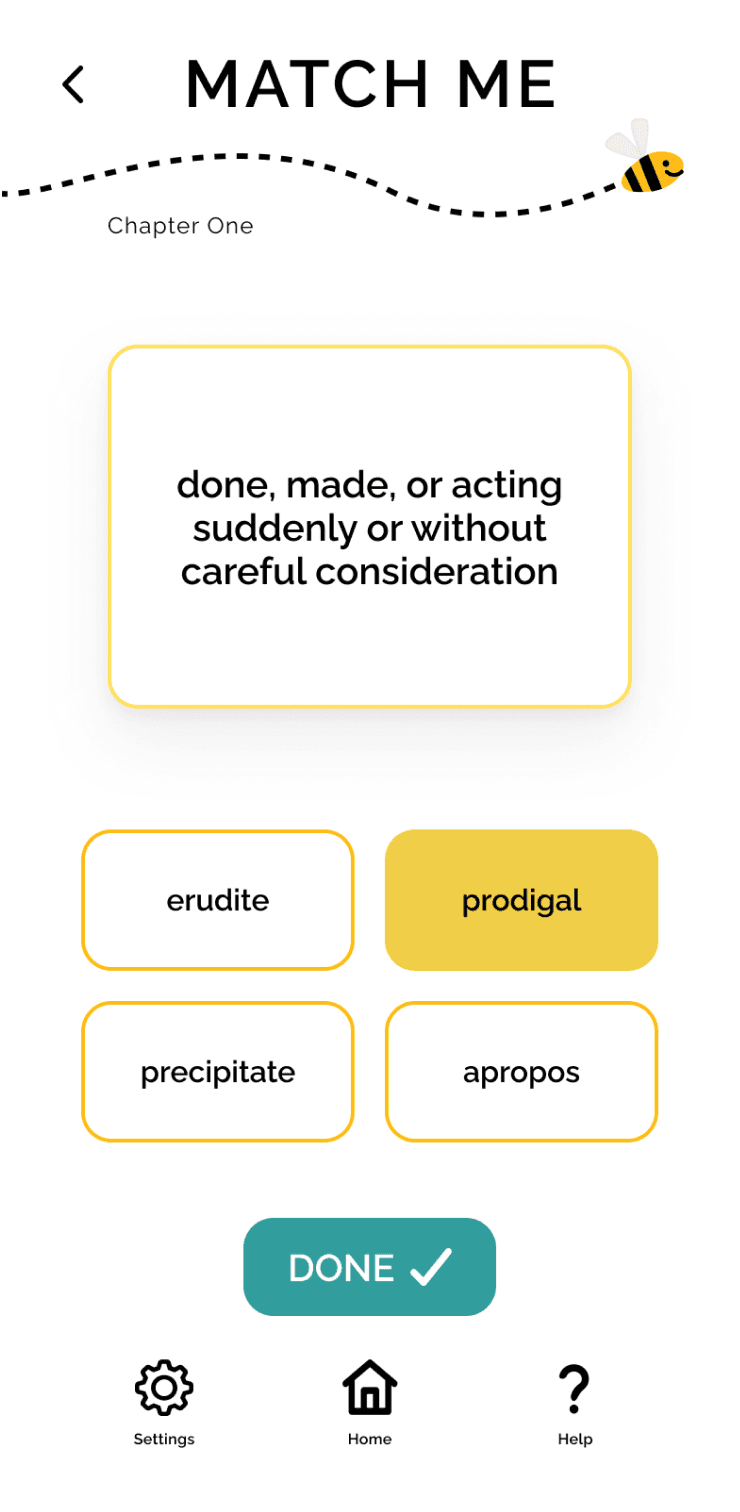
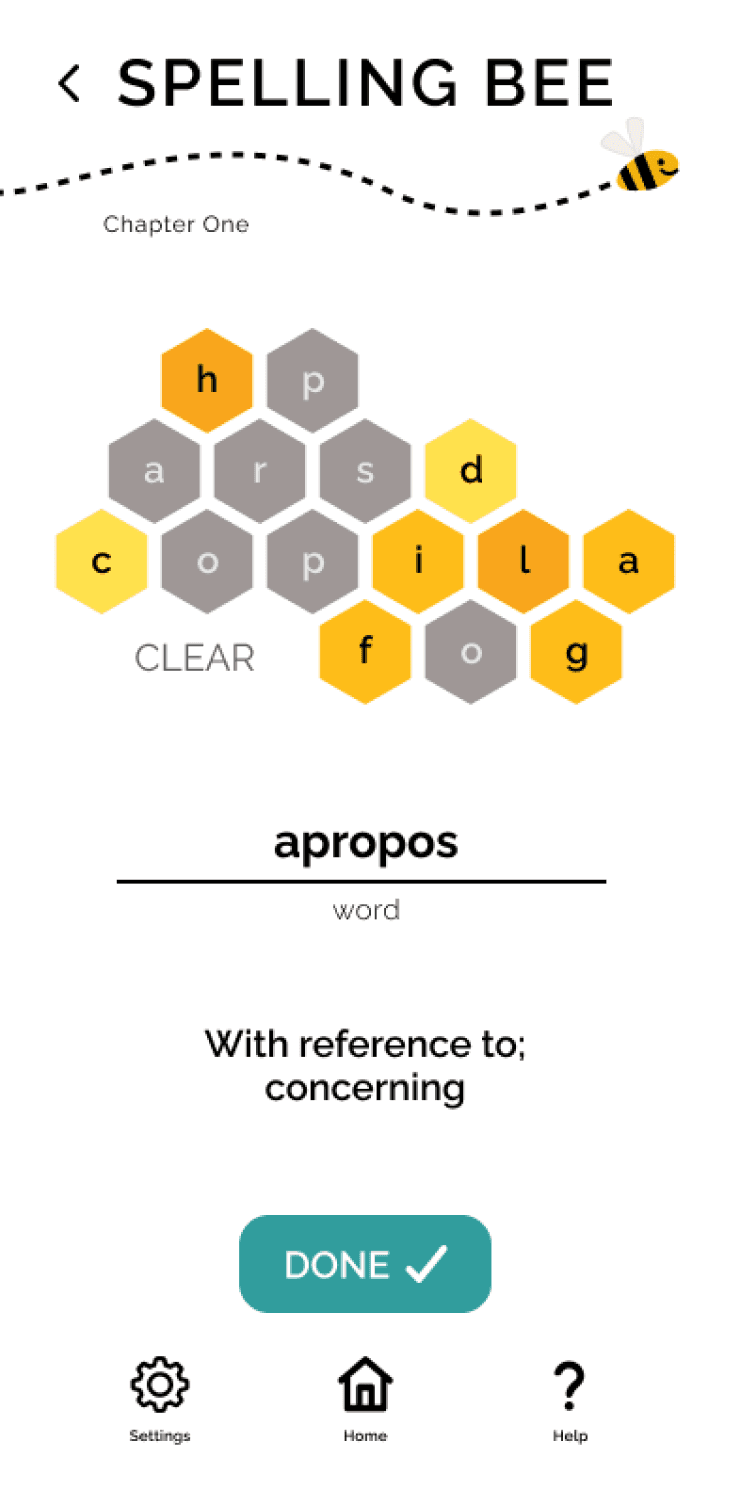
Match Me, Home, and Spelling Bee Screens
Project Overview
A colorful, gamified mobile application designed to help students and professionals learn new vocabulary.
Role: Lead UX Researcher & Designer
Duration: 1.5 months
Deliverables: research artifacts, proto-persona, mood board, wireframes, interactive prototype, style guide
Drawing on best practices in language learning, the application offers multiple practice modes and flexible study sessions, in an engaging, supportive online environment.
The Challenge
The brief required designing a vocabulary learning application that allowed users to add new words, review definitions, and study vocabulary. While the requirements established a basic framework, they did not prescribe how learning should take place within the system.
This created an opportunity to explore a larger question: what structure best supports vocabulary learning for people balancing busy schedules and varied learning preferences?
Research
To better understand how vocabulary learning tools support engagement and retention, I conducted two forms of research: competitor analysis and user interviews. Together, these methods helped identify successful design patterns, user study habits and preferences, and existing gaps in the market.
Competitive Analysis
I examined four vocabulary-learning platforms — Quizlet, StudySmarter, Brainscape, and My Word List — to understand common study mechanics, interface patterns, and opportunities for improvement.
StudySmarter
BrainScape
Quizlet
My Word List
Quizlet
StudySmarter
Competitor Screenshots
To compare these platforms systematically, I analyzed several core product features including onboarding, account set up / sign in, navigation structure, and study functionality.
Competitor Analysis Snapshot
Key takeaways:
Clarity & Ease of Vocabulary Entry
Entering flashcard vocabulary manually can introduce spelling errors and slow down study set creation. Predictive text or structured entry tools help streamline the process.
Intuitive Onboarding & Navigation
Apps with clear onboarding flows and strong calls-to-action made it easier to quickly begin studying or creating vocabulary sets.
Engaging Visual Design
Platforms with bright colors and inviting layouts felt more motivating and approachable than dense or text-heavy interfaces.
User Interviews
I conducted eight interviews with students who regularly use vocabulary learning tools as part of coursework or professional training programs. The goal was to understand how real users study new terms, what features they rely on, and where existing tools fall short.
Several consistent themes emerged:
Short Study Sessions
Participants preferred short, focused study sessions that could fit easily into small pockets of time.
Immediate Feedback
Users found real-time feedback motivating and helpful for reinforcing learning progress.
Interactive Learning
Games and interactive study modes increased engagement and helped maintain focus during practice.
Need for Context
Participants noted that seeing vocabulary used in context improved understanding, especially when similar words could be confused.
Flexible Card Management
Users wanted the ability to repeat difficult words while setting aside terms they had already mastered.
Tutorial Fatigue
Many participants reported skipping tutorials, even when they believed the information might be useful.
These insights reinforced the importance of flexibility, motivation, and varied learning interactions. They informed a design approach that uses flashcards as a foundation while introducing additional study modes that reinforce vocabulary learning through engagement and real-time feedback.
Problem Statement
Learning new vocabulary requires both clarity and engagement. Study tools must allow learners to easily add and review new terms while also making the learning process enjoyable enough to sustain curiosity and progress.
Students and professionals need a way to learn new vocabulary that clearly supports study of new terms while making the learning experience enjoyable and flexible enough to fit into busy schedules.
Persona
To translate these insights into a clear user framework, I developed a proto-persona representing the type of learner the application is intended to support.
User Persona
Sunny represents a learner balancing professional responsibilities, academic goals, and personal life. Her needs and constraints informed key design decisions, such as features for spelling practice and quiz-based self-assessment.
Learning Design Principles
With the proto-persona in mind, I applied learning psychology principles to guide the system’s design. These considerations shaped how study modes functioned, how feedback was delivered, and how learners moved through the experience.
Familiar Interaction Patterns
VocabularBee reinforces familiarity by reusing key interface patterns across study modes. Shared structures reduce cognitive load so learners can focus on recalling vocabulary rather than learning new interaction mechanics.
Progressive Study Modes
Each study mode reinforces vocabulary study and learning through a different cognitive action — recognition, association, recall, and production — allowing learners to practice the same content in progressively more challenging ways.
Learner-Controlled Experience
The app prioritizes customization and learner agency in several ways. From how incorrect answers are handled to how study sessions and quiz feedback are structured, VocabularBee supports different learning styles while encouraging user success.
Intrinsic Motivation Philosophy
System copy and mascot feedback are designed to celebrate effort rather than measure performance. By avoiding competitive metrics and social comparisons — and positioning the mascot as a supportive study companion — VocabularBee reinforces intrinsic motivation.
User Flows
Mapping key user flows helped visualize how Sunny would move through various study experiences. This process clarified entry points, decision paths, and the essential features needed to support vocabulary learning.
User Flow Diagram
Paper Prototype & User Testing
To validate the study flows and navigation structure, I created a paper prototype and conducted six moderated usability sessions using Marvel to simulate interactions.
Paper Wireframes
Usability Testing Insights
Testing highlighted the importance of clear entry points, lightweight guidance for new users, and organizing vocabulary sets before adding individuals terms. These insights informed the final navigation structure and contextual help patterns used throughout the interface.
Design Solutions
With the learning system and interaction patterns defined, I translated these ideas into a visual interface designed to balance clarity with playful engagement.
Mood Board
To define the visual tone of the application, I explored color, typography and interface style through a mood board.
Mood Board
Visual Direction
Three central themes informed the interface design:
Color & Visual Energy
Bright yellows and honey tones were introduced to create a warm, motivating learning environment. These energetic colors are balanced with clean black and white content areas to maintain clarity and support focused vocabulary study.
Dictionary-Inspired Typography
Typography draws inspiration from traditional dictionary layouts, reinforcing the educational focus of the product and maintaining strong contrast and readability for study content.
Mascot as Study Companion
The bee mascot functions as a supportive study companion rather than an instructor. It appears consistently throughout the interface, offering encouragement during learning activities and celebrating completion moments through subtle animations.
Design System
These visual decisions were formalized into a style guide defining typography, color usage, and reusable components. Establishing these rules ensured consistency across the interface.
Style Guide
Final Designs
The final product is a vocabulary application that is both engaging and effective. Bright colors and supportive messaging create an inviting experience, and multiple features with short, flexible study options accommodate different learning styles.
High-fidelity mockups and an interactive prototype demonstrate the application’s core features and study flows.
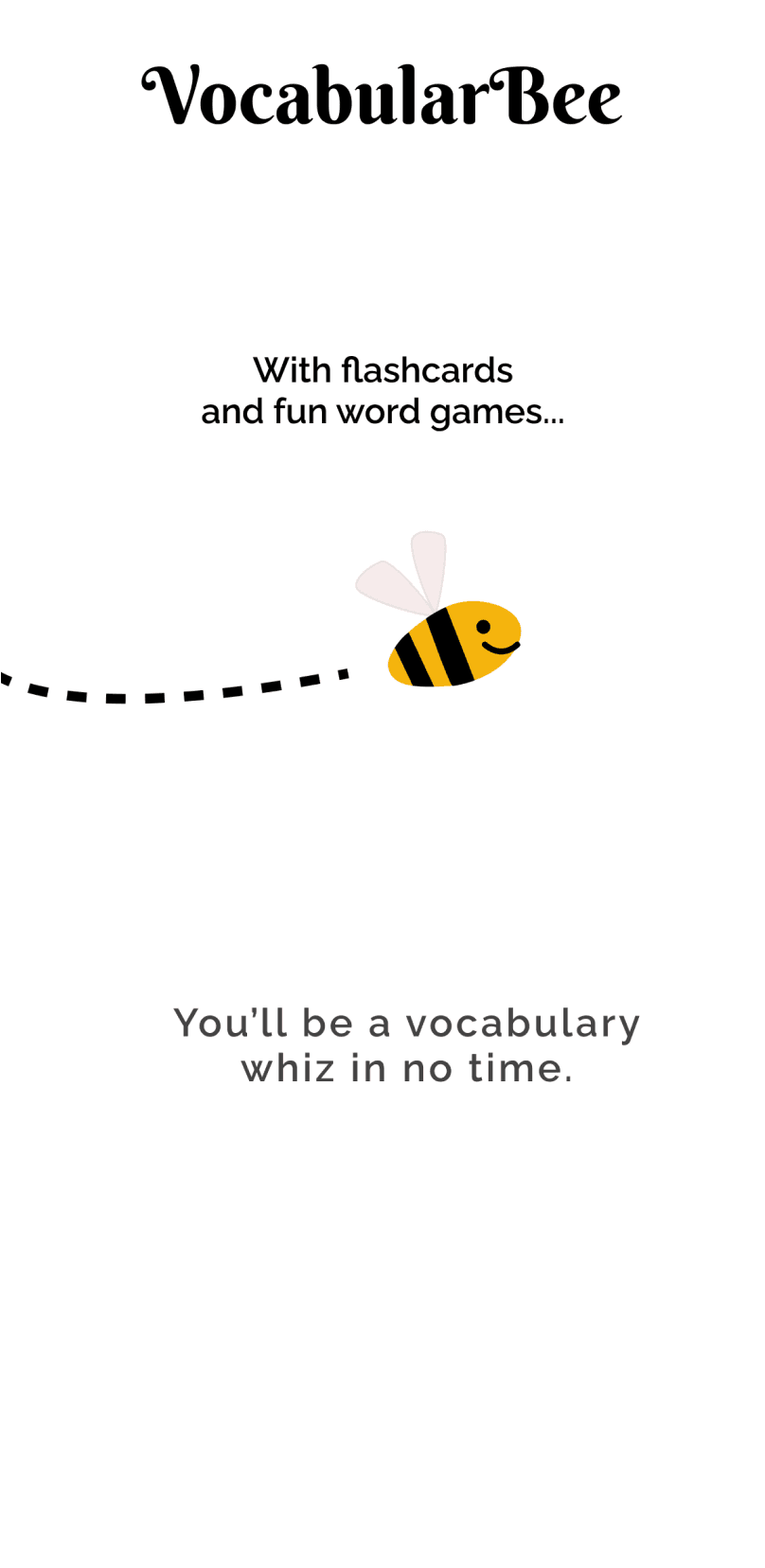
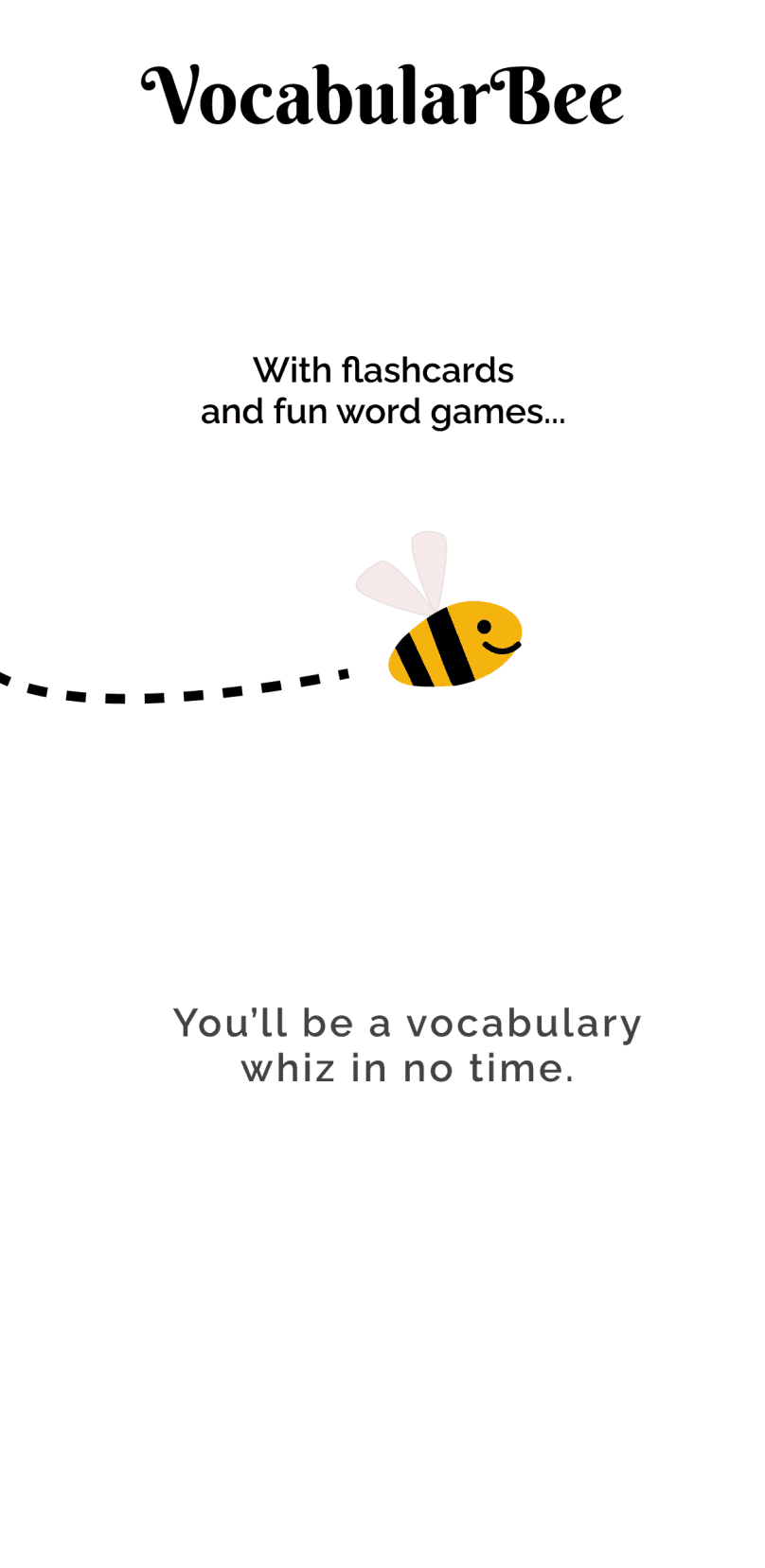
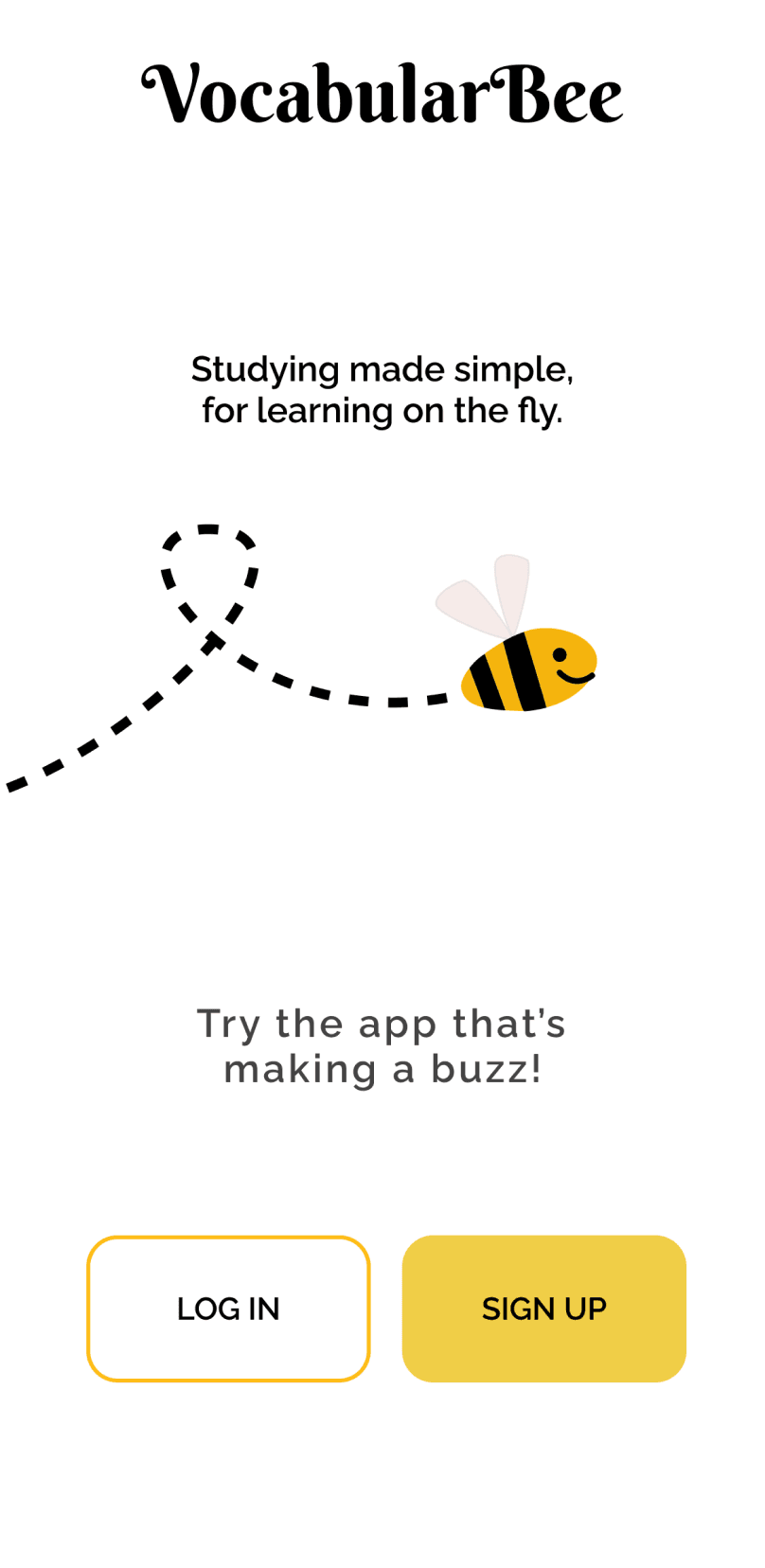
Introduction Screen Flow
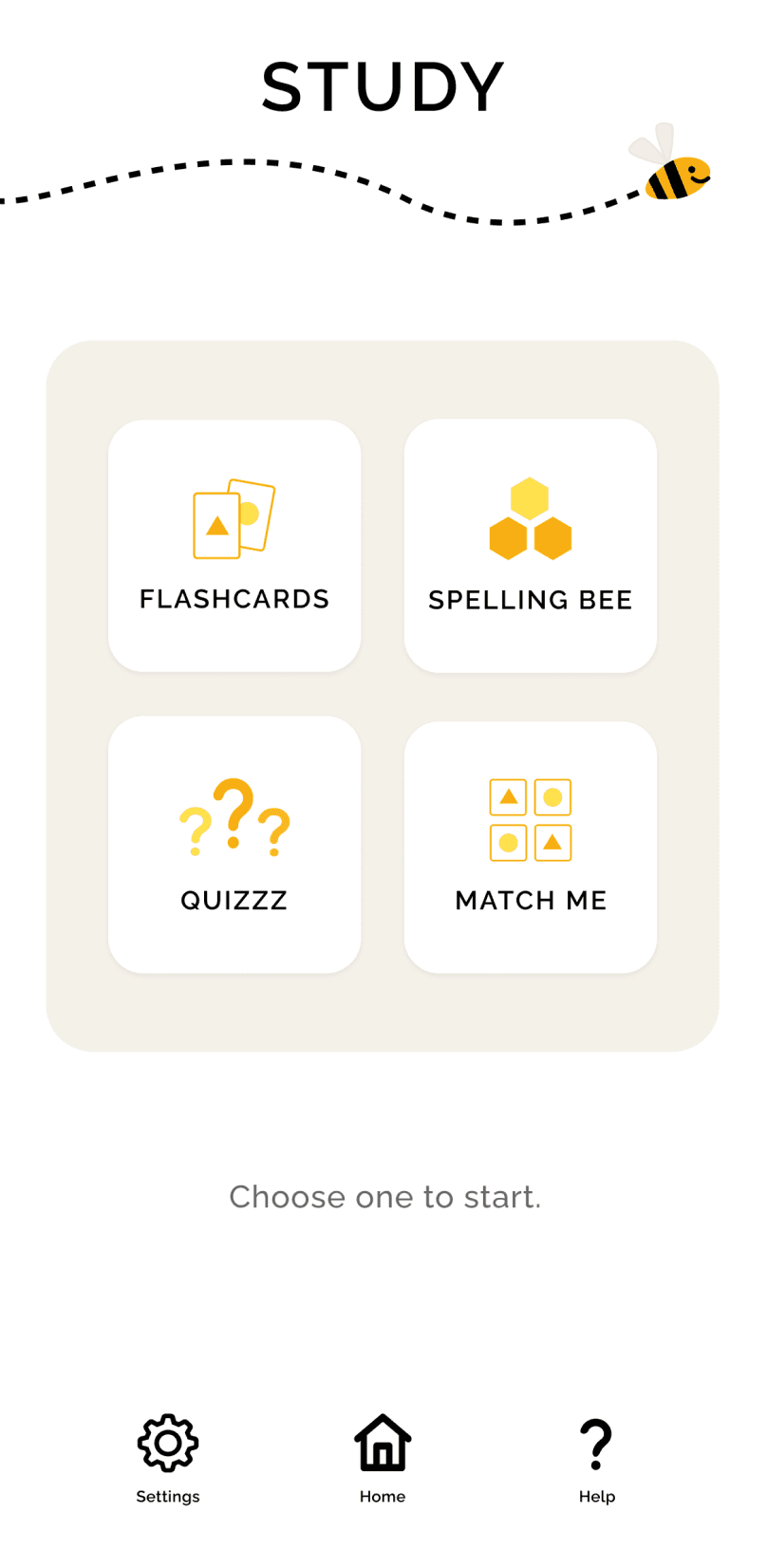
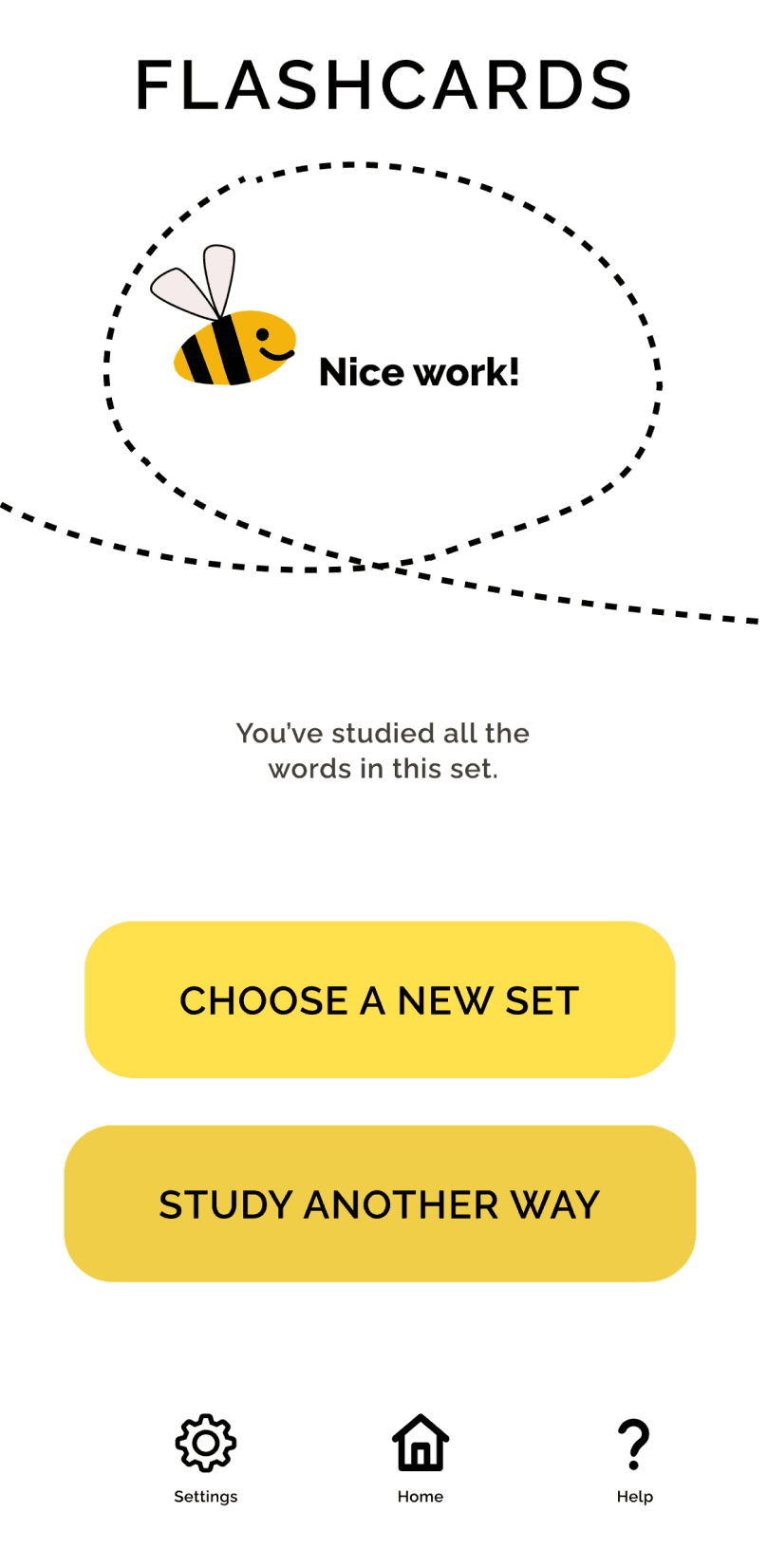
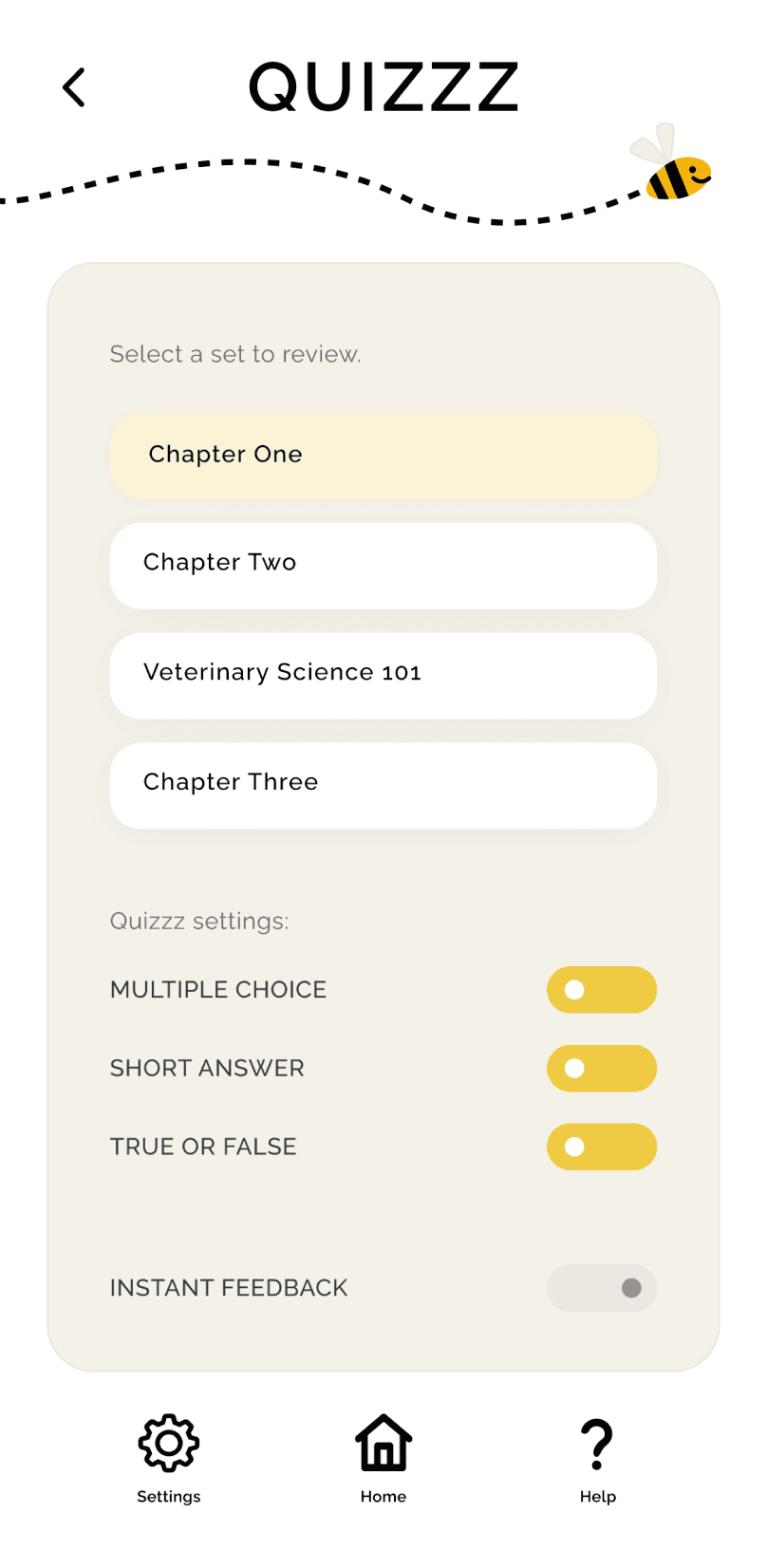
Study Landing Page, Flashcards Success Screen, Quizzz Landing Page Wireframes
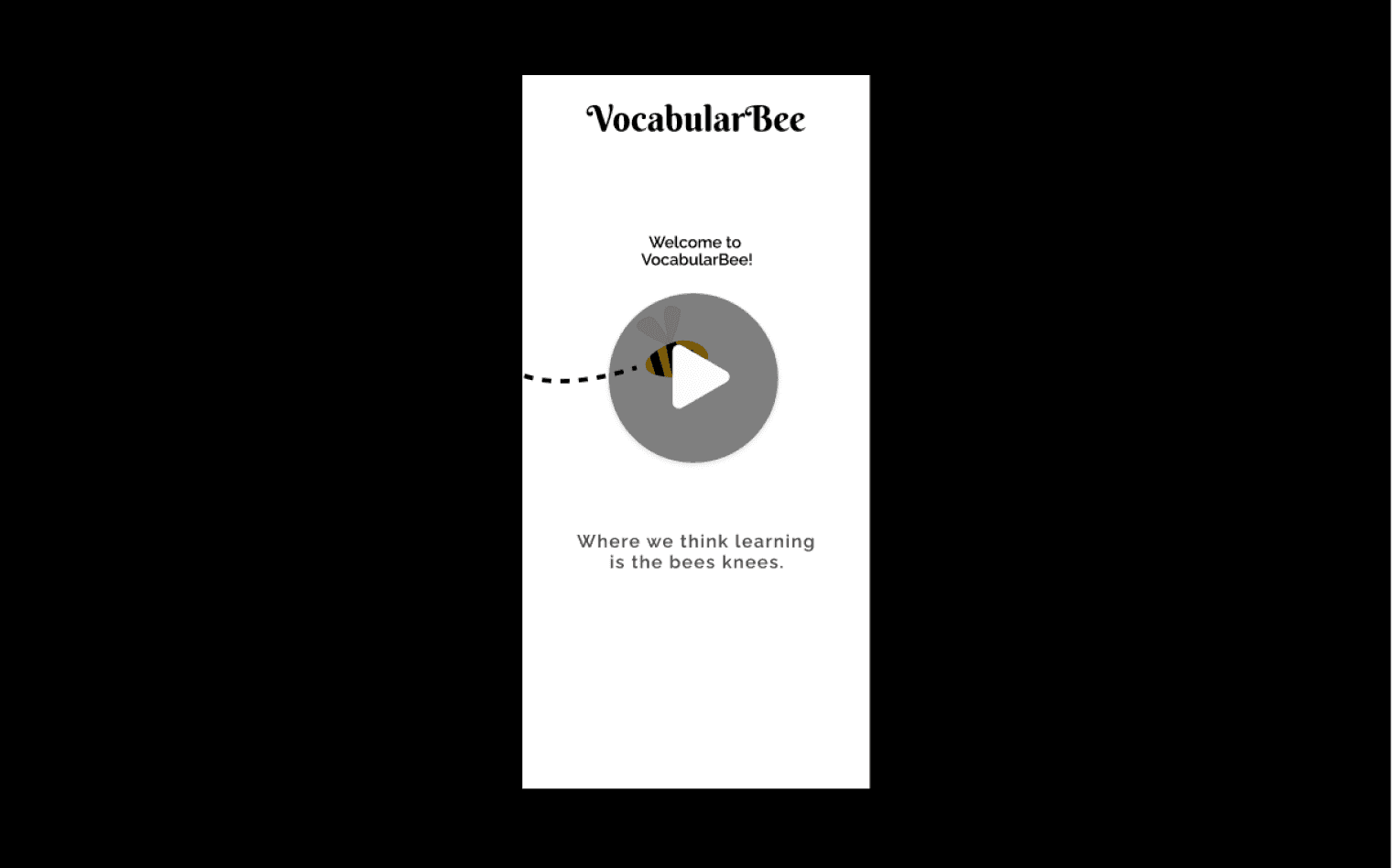
“Golden Path” Video Walkthrough
Reflection
A guiding question in my design work is: What best accomplishes the goal? Throughout the VocabularBee project, this question became a practical lens for evaluating decisions across both product structure and interface design.
Early in the process, this question encouraged me to evaluate whether a simple flashcard feature could be improved by the addition of multiple study modes. As the design evolved, the same question guided decisions about navigation, feedback patterns, interaction design, and visual presentation. This project reinforced how closely system design and interface design work together in support of a product.
For me, thoughtful design requires considering how each decision supports both product objectives and user needs. The goal has been accomplished when structure, interaction, and user impact are aligned.
VocabularBee
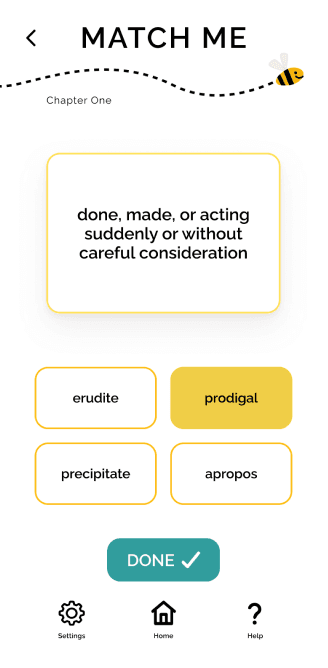
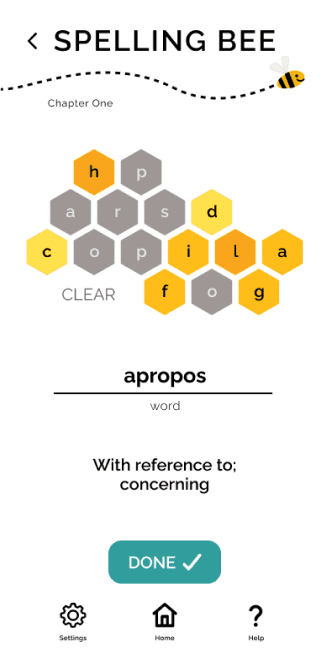
Match Me, Home, and Spelling Bee Screens
Project Overview
A colorful, gamified mobile application designed to help students and professionals learn new vocabulary.
Role: Lead UX Researcher & Designer
Duration: 1.5 months
Deliverables: research artifacts, proto-persona, mood board, wireframes, interactive prototype, style guide.
Drawing on best practices in language learning, the application offers multiple practice modes and flexible study sessions, in an engaging, supportive online environment.
The Challenge
The brief required designing a vocabulary learning application that allowed users to add new words, review definitions, and study vocabulary. While the requirements established a basic framework, they did not prescribe how learning should take place within the system.
This created an opportunity to explore a larger question: what structure best supports vocabulary learning for people balancing busy schedules and varied learning preferences?
Research
To better understand how vocabulary learning tools support engagement and retention, I conducted two forms of research: competitor analysis and user interviews. Together, these methods helped identify successful design patterns, user study habits and preferences, and existing gaps in the market.
Competitive Analysis
I examined four vocabulary-learning platforms — Quizlet, StudySmarter, Brainscape, and My Word List — to understand common study mechanics, interface patterns, and opportunities for improvement.
StudySmarter
BrainScape
Quizlet
My Word List
Quizlet
StudySmarter
Competitor Screenshots
To compare these platforms systematically, I analyzed several core product features including onboarding, account set up / sign in, navigation structure, and study functionality.
Competitor Analysis Snapshot
Key takeaways:
Clarity & Ease of Vocabulary Entry
Entering flashcard vocabulary manually can introduce spelling errors and slow down study set creation. Predictive text or structured entry tools help streamline the process.
Intuitive Onboarding & Navigation
Apps with clear onboarding flows and strong calls-to-action made it easier to quickly begin studying or creating vocabulary sets.
Engaging Visual Design
Platforms with bright colors and inviting layouts felt more motivating and approachable than dense or text-heavy interfaces.
User Interviews
I conducted eight interviews with students who regularly use vocabulary learning tools as part of coursework or professional training programs. The goal was to understand how real users study new terms, what features they rely on, and where existing tools fall short.
Several consistent themes emerged:
Short Study Sessions
Participants preferred short, focused study sessions that could fit easily into small pockets of time.
Immediate Feedback
Users found real-time feedback motivating and helpful for reinforcing learning progress.
Interactive Learning
Games and interactive study modes increased engagement and helped maintain focus during practice.
Need for Context
Participants noted that seeing vocabulary used in context improved understanding, especially when similar words could be confused.
Flexible Card Management
Users wanted the ability to repeat difficult words while setting aside terms they had already mastered.
Tutorial Fatigue
Many participants reported skipping tutorials, even when they believed the information might be useful.
These insights reinforced the importance of flexibility, motivation, and varied learning interactions. They informed a design approach that uses flashcards as a foundation while introducing additional study modes that reinforce vocabulary learning through engagement and real-time feedback.
Problem Statement
Learning new vocabulary requires both clarity and engagement. Study tools must allow learners to easily add and review new terms while also making the learning process enjoyable enough to sustain curiosity and progress.
Students and professionals need a way to learn new vocabulary that clearly supports study of new terms while making the learning experience enjoyable and flexible enough to fit into busy schedules.
Persona
To translate these insights into a clear user framework, I developed a proto-persona representing the type of learner the application is intended to support.
User Persona
Sunny represents a learner balancing professional responsibilities, academic goals, and personal life. Her needs and constraints informed key design decisions, such as features for spelling practice and quiz-based self-assessment.
Learning Design Principles
With the proto-persona in mind, I applied learning psychology principles to guide the system’s design. These considerations shaped how study modes functioned, how feedback was delivered, and how learners moved through the experience.
Familiar Interaction Patterns
VocabularBee reinforces familiarity by reusing key interface patterns across study modes. Shared structures reduce cognitive load so learners can focus on recalling vocabulary rather than learning new interaction mechanics.
Progressive Study Modes
Each study mode reinforces vocabulary study and learning through a different cognitive action — recognition, association, recall, and production — allowing learners to practice the same content in progressively more challenging ways.
Learner-Controlled Experience
The app prioritizes customization and learner agency in several ways. From how incorrect answers are handled to how study sessions and quiz feedback are structured, VocabularBee supports different learning styles while encouraging user success.
Intrinsic Motivation Philosophy
System copy and mascot feedback are designed to celebrate effort rather than measure performance. By avoiding competitive metrics and social comparisons — and positioning the mascot as a supportive study companion — VocabularBee reinforces intrinsic motivation.
User Flows
Mapping key user flows helped visualize how Sunny would move through various study experiences. This process clarified entry points, decision paths, and the essential features needed to support vocabulary learning.
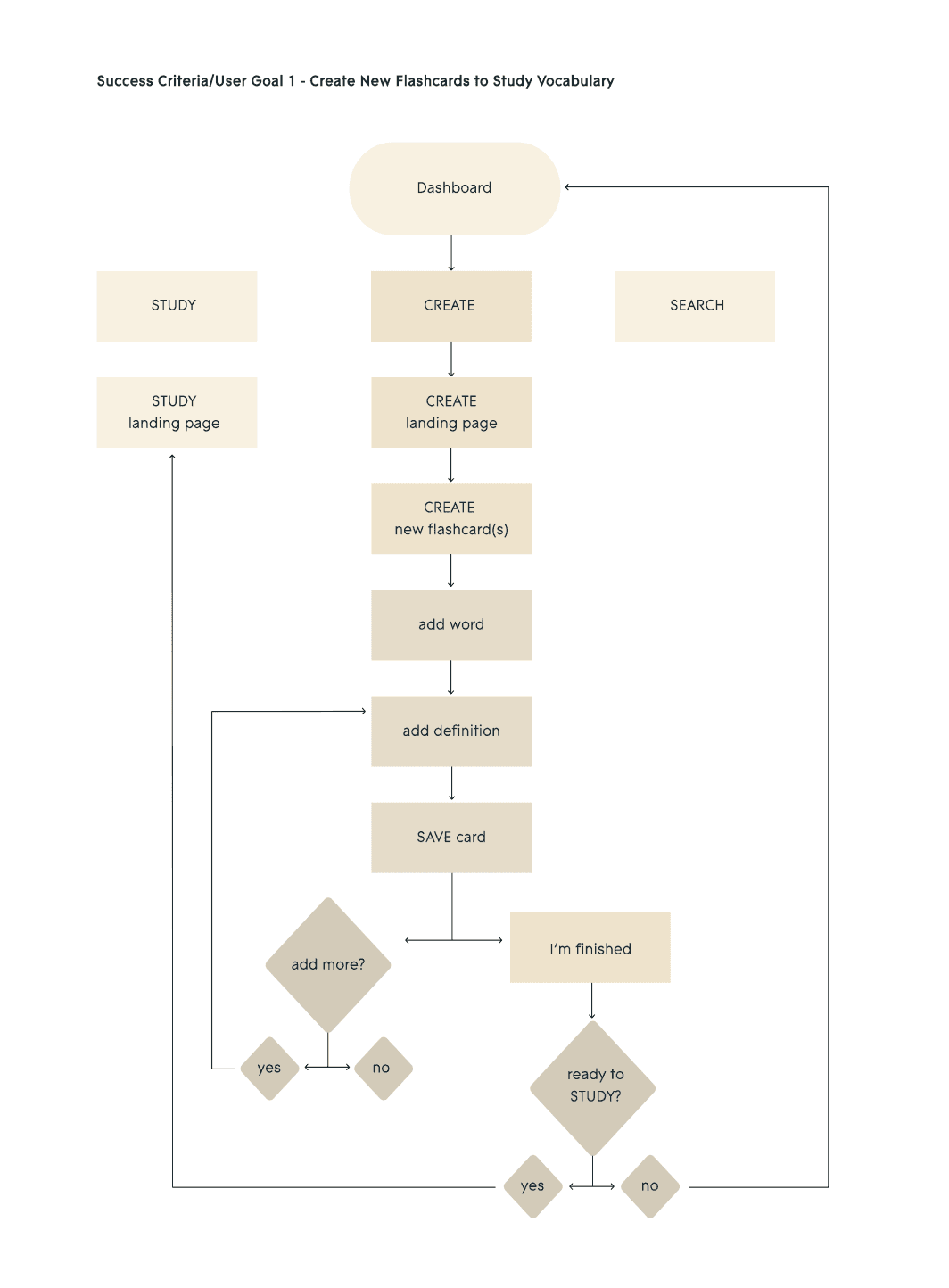
User Flow Diagram
Paper Prototype & User Testing
To validate the study flows and navigation structure, I created a paper prototype and conducted six moderated usability sessions using Marvel to simulate interactions.
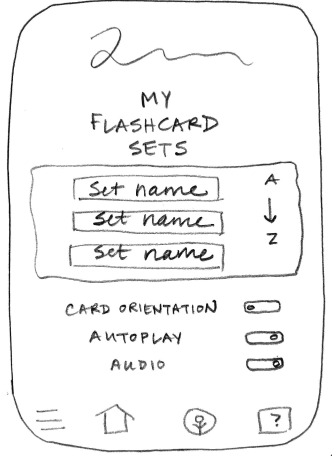
Paper Wireframes
Usability Testing Insights
Testing highlighted the importance of clear entry points, lightweight guidance for new users, and organizing vocabulary sets before adding individuals terms. These insights informed the final navigation structure and contextual help patterns used throughout the interface.
Design Solutions
With the learning system and interaction patterns defined, I translated these ideas into a visual interface designed to balance clarity with playful engagement.
Mood Board
To define the visual tone of the application, I explored color, typography and interface style through a mood board.
Mood Board
Visual Direction
Three central themes informed the interface design:
Color & Visual Energy
Bright yellows and honey tones were introduced to create a warm, motivating learning environment. These energetic colors are balanced with clean black and white content areas to maintain clarity and support focused vocabulary study.
Dictionary-Inspired Typography
Typography draws inspiration from traditional dictionary layouts, reinforcing the educational focus of the product and maintaining strong contrast and readability for study content.
Mascot as Study Companion
The bee mascot functions as a supportive study companion rather than an instructor. It appears consistently throughout the interface, offering encouragement during learning activities and celebrating completion moments through subtle animations.
Design System
These visual decisions were formalized into a style guide defining typography, color usage, and reusable components. Establishing these rules ensured consistency across the interface.
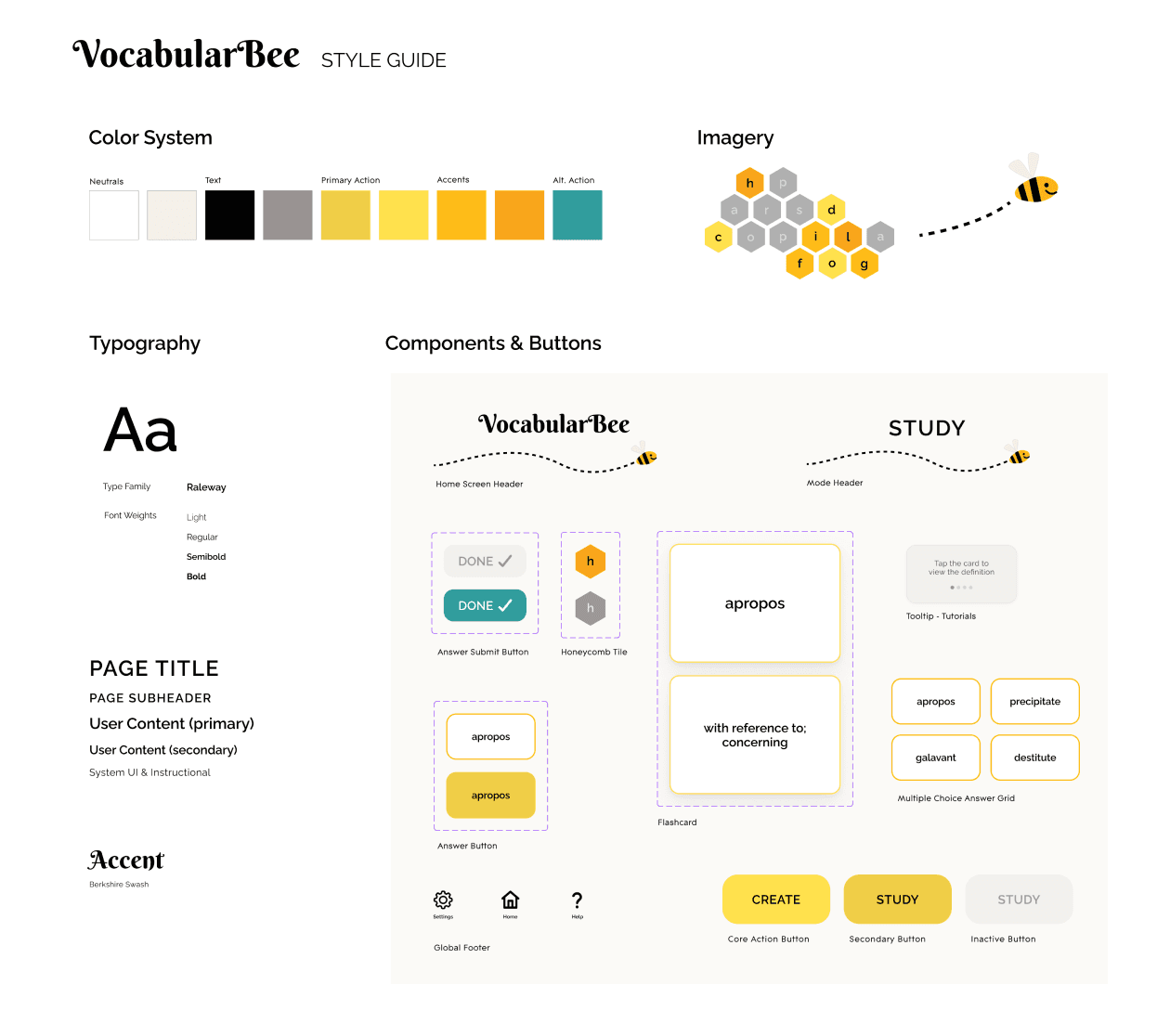
Style Guide
Final Designs
The final product is a vocabulary application that is both engaging and effective. Bright colors and supportive messaging create an inviting experience, and multiple features with short, flexible study options accommodate different learning styles.
High-fidelity mockups and an interactive prototype demonstrate the application’s core features and study flows.
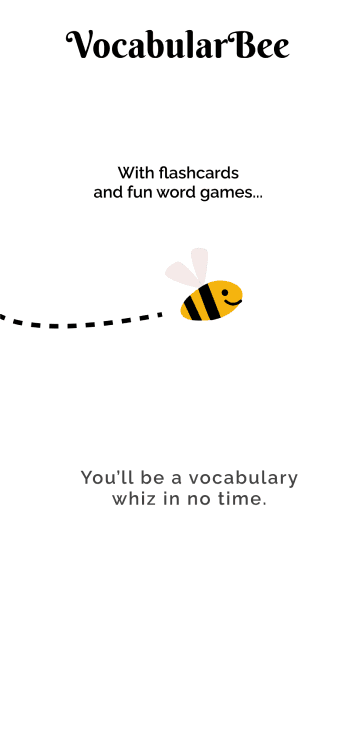
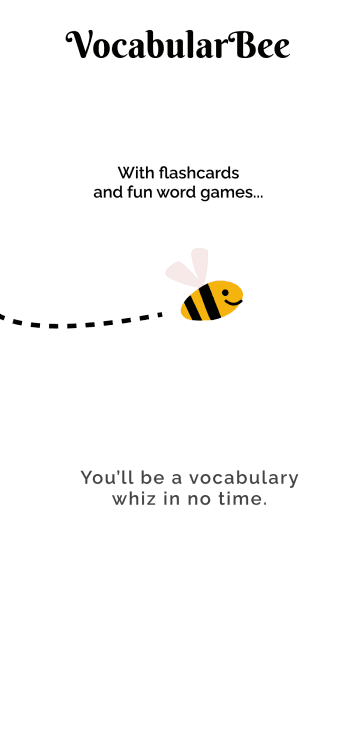
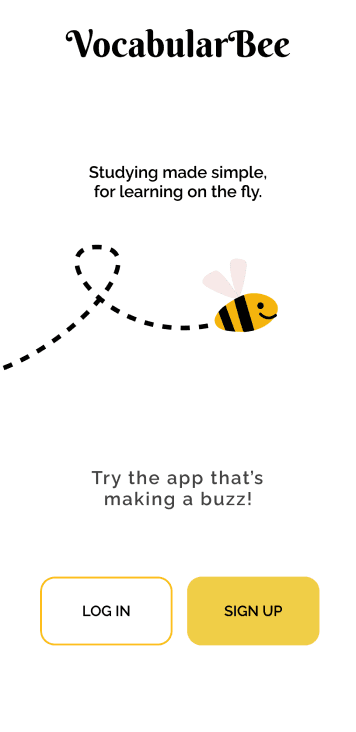
Introduction Screen Flow
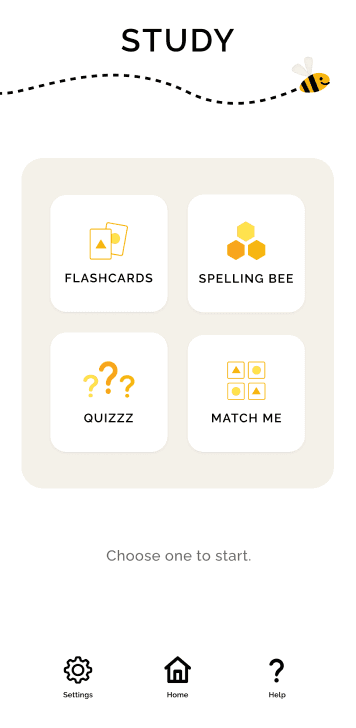
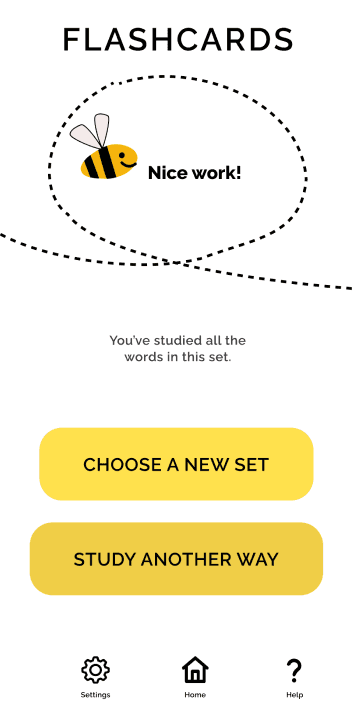
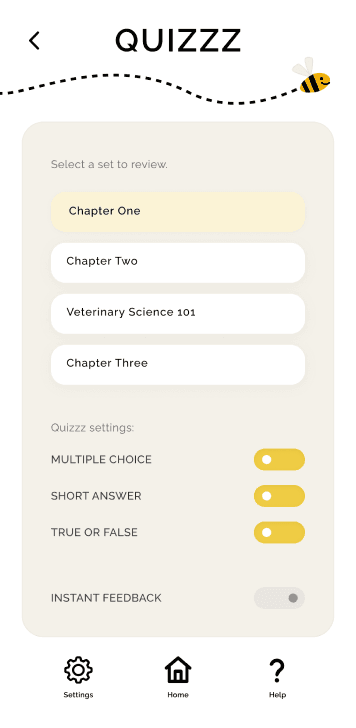
Study Landing Page, Flashcards Success Screen, Quizzz Landing Page Wireframes
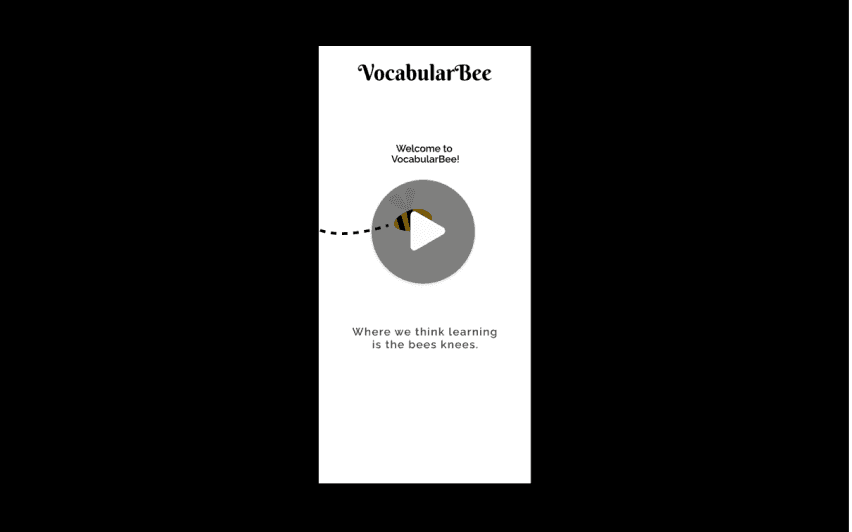
“Golden Path” Video Walkthrough
Reflection
A guiding question in my design work is: What best accomplishes the goal? Throughout the VocabularBee project, this question became a practical lens for evaluating decisions across both product structure and interface design.
Early in the process, this question encouraged me to evaluate whether a simple flashcard feature could be improved by the addition of multiple study modes. As the design evolved, the same question guided decisions about navigation, feedback patterns, interaction design, and visual presentation. This project reinforced how closely system design and interface design work together in support of a product.
For me, thoughtful design requires considering how each decision supports both product objectives and user needs. The goal has been accomplished when structure, interaction, and user impact are aligned.